Letter Writing Template PDF Options for Formal Use
Compare letter writing template PDF options for formal use, with formats, formatting rules, copy-ready templates, and PDF export tips.
PDF is still the safest format for many formal letters. It preserves spacing, keeps your signature and letterhead in place, and looks the same whether the recipient opens it on a phone, laptop, or office printer. The challenge is choosing the right letter writing template PDF for your situation, because a cover letter, complaint letter, formal request, and resignation letter should not all look exactly the same.
A strong formal letter PDF does two things at once: it gives your message a professional structure and removes friction for the person reading it. That means clean formatting, a clear subject line, correct contact details, and a layout that is easy to scan.
Below, you will find the best PDF template options for formal use, when to choose each one, how to format them, and how to turn a draft into a polished PDF without overcomplicating the process.
Why PDF is useful for formal letters
A PDF is not always required, but it is often the most reliable format when the letter needs to feel official. Unlike a plain text email, a PDF keeps your layout intact. Unlike an editable document, it reduces the risk that your wording, margins, or signature will be accidentally changed.
PDF is especially useful when your letter includes:
- A handwritten or digital signature
- Company or personal letterhead
- Formal sender and recipient addresses
- Attachments or supporting documents
- A request that may be printed, forwarded, or filed
- Sensitive formatting, such as tables, reference numbers, or dates
For example, if you are sending a resignation letter to HR, a PDF gives the letter a clean record-friendly format. If you are submitting a complaint to a company, a PDF makes your timeline and requested resolution easier to preserve. If you are applying for a role, a PDF helps your cover letter look consistent across hiring systems.
The key is not just exporting any letter as a PDF. The key is starting from the right template.
The main letter writing template PDF options
Formal letters usually follow a few standard layout patterns. The best option depends on the purpose of the letter, the relationship with the recipient, and whether the letter is being sent by email, uploaded to a portal, or printed.
| PDF template option | Best for | Strength | Watch out for |
|---|---|---|---|
| Classic block format | Business letters, complaints, requests, notices | Simple, widely accepted, easy to scan | Can feel generic if the wording is too stiff |
| Modified block format | Professional but slightly warmer letters | Balanced and traditional | Requires careful alignment of date and closing |
| Letterhead format | Company, nonprofit, or official organization letters | Looks authoritative and branded | Should not be over-designed |
| Cover letter PDF layout | Job applications and professional introductions | Helps highlight fit and achievements | Must stay concise and role-specific |
| Formal request template | Administrative, workplace, school, or service requests | Keeps the ask clear and documented | Needs a precise subject line and deadline |
| Complaint or dispute letter format | Refunds, billing issues, service problems | Organizes facts and desired outcome | Should remain factual, not emotional |
| Short formal email-to-PDF format | When the message is brief but needs documentation | Fast and practical | May feel too light for serious matters |
If you are writing a formal request specifically, a structured formal request letter format can help you include the right details without making the letter longer than necessary. For job applications, you may want a more targeted layout, such as one of these professional cover letter layouts.
Option 1: Classic block letter PDF
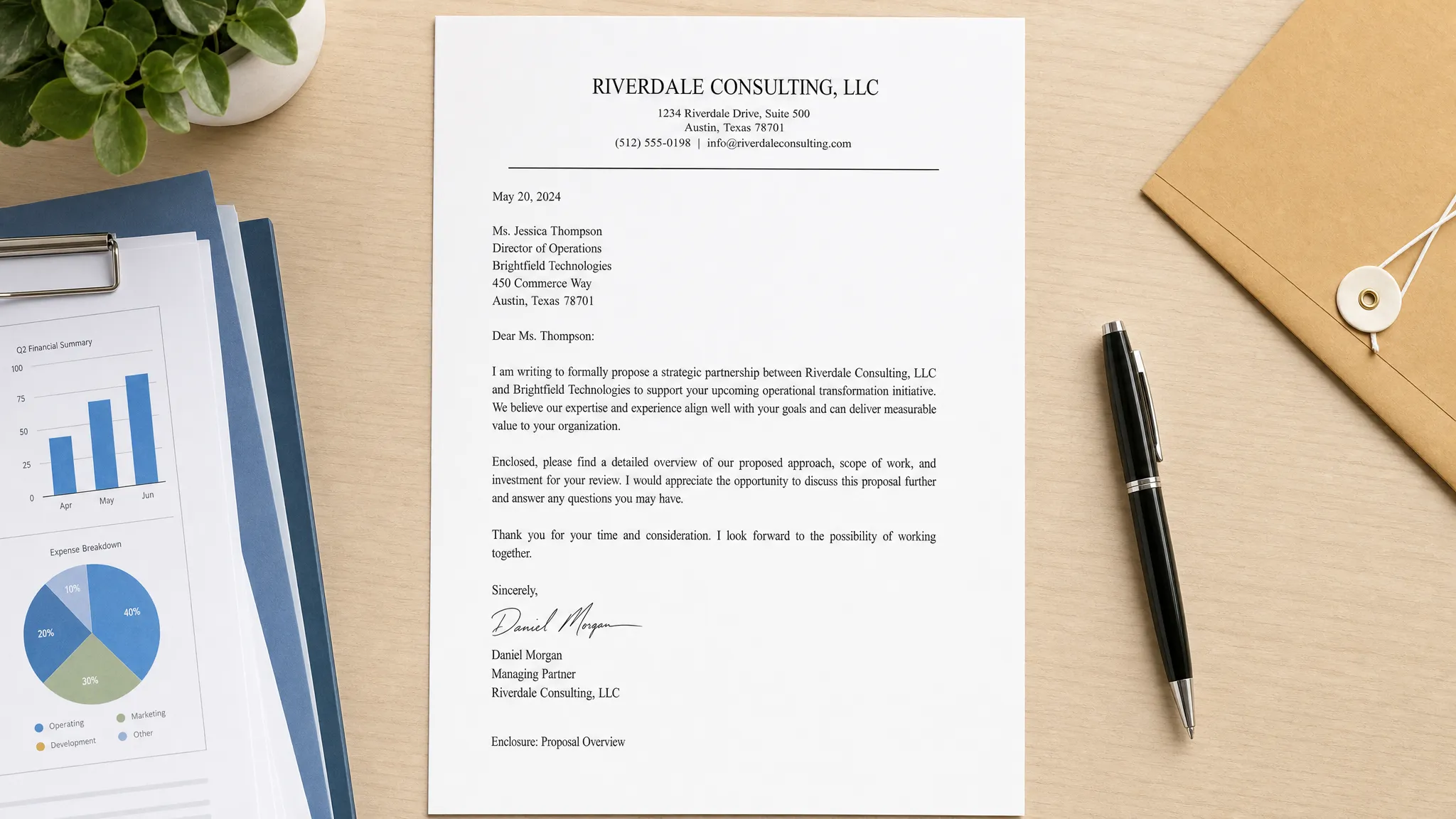
The classic block format is the safest formal letter template for most situations. Every major section is left-aligned, with clear spacing between the sender details, date, recipient details, subject line, greeting, body, closing, and signature.
Use this format for:
- Complaint letters
- Business correspondence
- Formal requests
- Tenant or landlord letters
- Refund requests
- School or university letters
- Government or administrative communication
A classic block PDF works well because it does not call attention to the design. It lets the message do the work. That is exactly what you want when clarity matters more than creativity.
A simple structure looks like this:
Your Name
Your Address
City, State ZIP Code
Email Address
Phone Number

Month Day, Year

Recipient Name
Recipient Title
Organization Name
Organization Address
City, State ZIP Code

Subject: Clear and specific subject line

Dear [Recipient Name],

Opening paragraph: State why you are writing and include any reference number, date, account number, or context the recipient needs.

Middle paragraph: Explain the relevant facts in a logical order. Keep the tone professional and include only details that support your request or message.

Closing paragraph: State the action you want, the deadline if applicable, and how the recipient can contact you.

Sincerely,

[Signature]
Your Name
When exported as a PDF, this template is clean, formal, and easy for an organization to archive.
Option 2: Modified block letter PDF
Modified block format is similar to classic block format, but the date, closing, and signature are usually aligned toward the right side of the page. It can feel slightly more traditional or personal while still being formal.
This option is useful for:
- Recommendation letters
- Formal thank-you letters
- Professional introductions
- Letters to known contacts
- Polite requests where warmth matters
The modified block format is less common in fast business communication than the classic block format, but it is still acceptable for many formal contexts. The most important rule is consistency. If you align the date on the right, align the closing and signature in the same general position.
Use this format only if you are comfortable adjusting spacing before exporting to PDF. Poor alignment can make the letter look less polished than a simple block layout.
Option 3: Letterhead PDF template
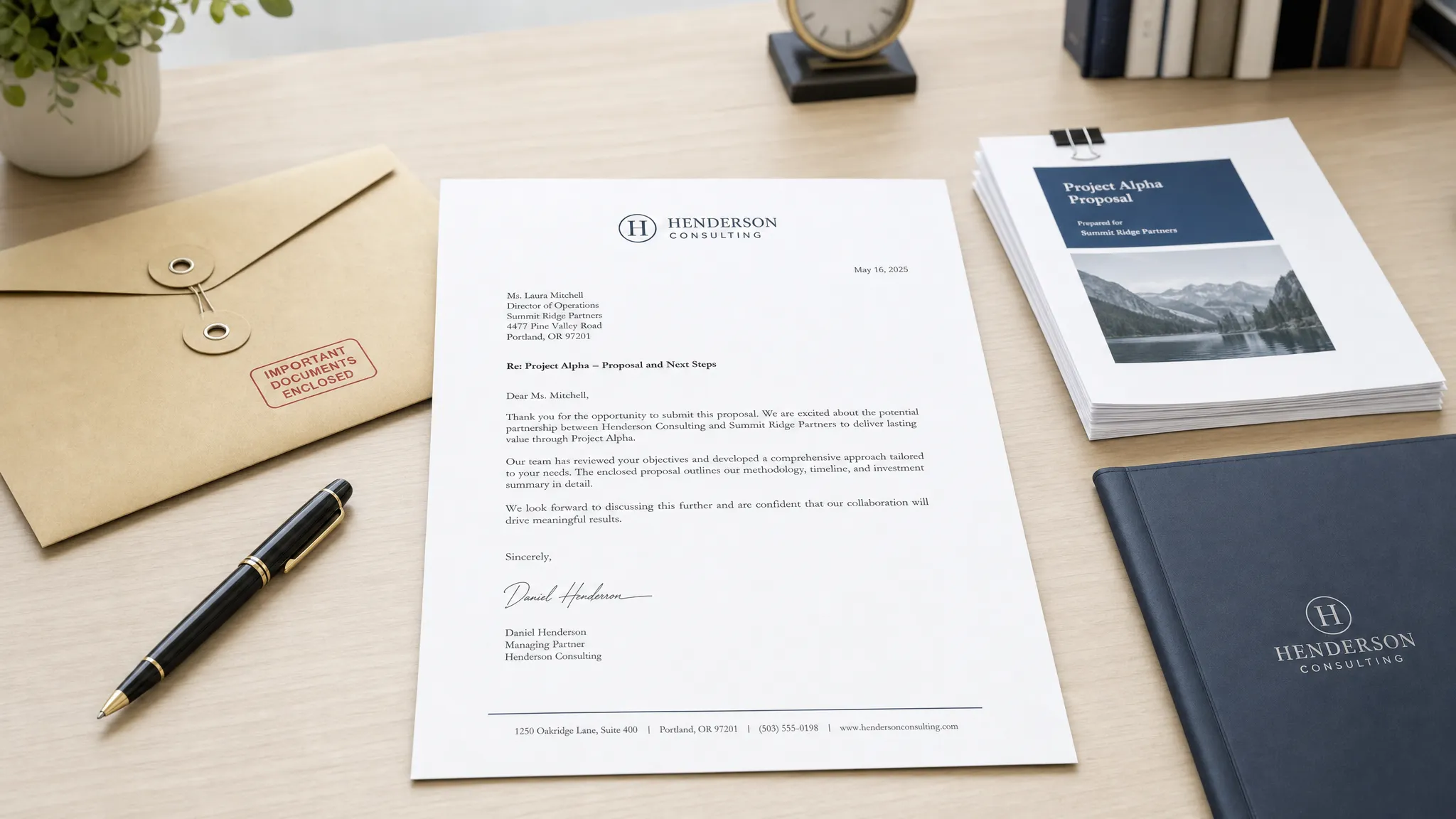
A letterhead PDF template is best when the letter represents an organization, business, department, or professional practice. It usually includes a logo, organization name, address, phone number, email, and sometimes a website in the header or footer.
Letterhead works well for:
- Employment verification letters
- Business proposals
- Client notices
- Official statements
- Nonprofit letters
- Vendor or partner communication
For formal use, keep letterhead restrained. A small logo and clean contact information are enough. Avoid large decorative headers, heavy colors, or background images that make the letter harder to print or read.
If the recipient may print the PDF in black and white, make sure the letter still looks clear without color. Also check that the body text does not compete with the header.
Option 4: Cover letter PDF template
A cover letter is formal, but it has a different purpose from a general business letter. It needs to show relevance quickly. Hiring managers are not looking for a ceremonial letter. They are looking for evidence that you understand the role and can communicate professionally.
A good cover letter PDF template should include:
- Your name and contact details at the top
- The date and employer details when available
- A role-specific opening
- One or two short paragraphs connecting your experience to the job
- A confident closing with next-step language
The layout can be slightly more modern than a classic formal letter, but it should never become distracting. Use one readable font, standard margins, and enough white space for scanning.
If you want examples across different professional situations, the letter example library can help you compare tone, structure, and level of detail before creating your final PDF.
Option 5: Complaint or dispute letter PDF
Complaint letters benefit from PDF format because they often need to document a problem clearly. A complaint PDF should not sound aggressive. It should sound organized, factual, and firm.
The best complaint letter template includes:
- A clear subject line, such as “Subject: Request for Refund for Order #12345”
- A short summary of the issue
- A timeline of relevant events
- Any supporting evidence, such as receipts or reference numbers
- A specific requested resolution
- A reasonable response deadline
The PDF format is helpful here because it lets you attach or combine evidence while preserving your main letter. If you include screenshots, invoices, or photos, label them clearly so the recipient can understand them without guessing.
Option 6: Short formal letter PDF
Not every formal letter needs a full page of detail. Sometimes a short PDF is better, especially when the request is simple and the recipient already understands the context.
Use a short formal PDF for:
- Appointment confirmations
- Simple permission requests
- Brief notices
- Follow-up letters
- Acknowledgment letters
- Short professional thank-you notes
A short formal letter can be as little as three paragraphs. The first states the purpose, the second gives the necessary context, and the third explains the next step. The danger is being too vague. Even in a short letter, include dates, names, reference numbers, and your requested action when relevant.
Formatting rules before you export to PDF
A formal letter PDF should be easy to read before it looks impressive. Most formatting mistakes happen because the writer focuses on design too early. Start with structure, then polish the layout.
| Element | Recommended formal setting | Why it matters |
|---|---|---|
| Page size | US Letter for most US use | Matches common printing and office filing standards |
| Margins | Around 1 inch | Creates a clean professional frame |
| Font | Arial, Calibri, Times New Roman, or similar | Keeps the letter readable and familiar |
| Font size | 10.5 to 12 pt | Balances readability and space |
| Paragraph spacing | Single spacing within paragraphs, space between sections | Makes the letter easier to scan |
| File name | Clear and specific | Helps the recipient identify and store the letter |
| Signature | Typed or digital, depending on context | Adds professionalism and accountability |
A good file name can be simple: Jane-Smith-Resignation-Letter.pdf or Refund-Request-Order-12345.pdf. Avoid vague names such as letter.pdf, final2.pdf, or document-new.pdf.
Also check the PDF before sending. Open it after export, not just before. Confirm that the page breaks are correct, your signature appears as expected, and no placeholder text remains.
Editable template, fillable PDF, or AI-generated letter?
There are three common ways to create a formal letter PDF. Each has advantages.
| Creation method | Best when | Main benefit | Limitation |
|---|---|---|---|
| Editable document template | You already know what to write | Full control over wording and layout | Can take longer to personalize |
| Fillable PDF template | Many people need to complete the same type of letter | Consistent data collection | Often feels rigid and impersonal |
| AI-generated letter | You want a polished draft quickly | Fast personalization and tone control | Still requires review before sending |
An editable template is best if you write formal letters often and want to reuse the same structure. A fillable PDF is useful for organizations that need standardized submissions. An AI-generated letter is helpful when you know the situation but do not want to spend time building the wording from scratch.
With LetterCraft AI, you can generate professional letters for many formal scenarios by filling in a few details, then use features like tone options, copy to clipboard, and PDF export to prepare the final version. It is especially useful when you want the letter to sound polished without starting from a blank page.
What to include in every formal letter PDF
No matter which template you choose, most formal letters need the same core parts. Missing one of these can make the letter harder to process.
Your PDF should usually include:
- Sender name and contact details
- Date
- Recipient name, title, and organization when known
- Recipient address when needed
- Specific subject line
- Professional greeting
- Clear opening statement
- Supporting details in logical order
- Specific request, decision, notice, or next step
- Polite closing
- Signature and typed name
- Attachments or enclosure note when applicable
The subject line is especially important. It should tell the reader exactly what the letter is about before they read the body. “Subject: Request for Employment Verification Letter” is stronger than “Subject: Request.” “Subject: Formal Complaint Regarding Invoice #8842” is stronger than “Subject: Complaint.”
Common PDF mistakes to avoid
A formal PDF can still look unprofessional if small details are overlooked. Before sending, watch for these common mistakes.
One frequent problem is using a template that is too decorative. Formal letters should not look like flyers. Decorative borders, multiple colors, and oversized logos may reduce credibility, especially in legal, administrative, or business settings.
Another issue is leaving template placeholders in the final document. A line like “[Insert reason here]” or “[Recipient Title]” immediately signals that the letter was rushed. Search the document for brackets before exporting.
Writers also sometimes send scanned image PDFs instead of text-based PDFs. A scanned PDF can be difficult to search, copy, or read with accessibility tools. Whenever possible, export directly from your writing tool so the text remains selectable.
Finally, avoid making the letter longer than necessary. A formal tone does not require long sentences. The most effective formal letters are usually direct, specific, and respectful.
A copy-ready formal PDF template
Use this general template when you need a reliable formal letter structure. After editing it, paste it into your preferred document editor and export it as a PDF.
[Your Full Name]
[Street Address]
[City, State ZIP Code]
[Email Address]
[Phone Number]

[Month Day, Year]

[Recipient Full Name]
[Recipient Job Title]
[Organization Name]
[Street Address]
[City, State ZIP Code]

Subject: [Specific subject of your letter]

Dear [Mr./Ms./Mx./Dr. Last Name or Recipient Title],

I am writing to [state the purpose of your letter clearly]. This letter concerns [briefly identify the relevant issue, request, position, order, account, date, or reference number].

[Provide the key details in a clear order. Explain what happened, what you are requesting, or what decision you are communicating. Include only the information the recipient needs to understand and act on the letter.]

[If relevant, mention supporting documents, deadlines, previous communication, or the outcome you are requesting. Keep the tone professional and specific.]

Please [state the next action you want the recipient to take]. I would appreciate a response by [date, if appropriate]. You may contact me at [phone number] or [email address] if any additional information is needed.

Sincerely,

[Your Signature]
[Your Full Name]

Enclosures: [List attachments, if any]
This template works for many formal uses because it avoids unnecessary complexity. You can adjust the body paragraphs for a resignation, complaint, refund request, business inquiry, school request, or administrative notice.
Quick checklist before sending your formal letter PDF
Before you attach or upload the file, review it like the recipient will. They should be able to understand who wrote it, why it was sent, what facts matter, and what action is expected.
Use this final checklist:
- The subject line is specific.
- The recipient name and organization are spelled correctly.
- The date is current and formatted consistently.
- The opening paragraph states the purpose immediately.
- The body includes relevant facts, not unnecessary background.
- The requested action is clear.
- The tone is firm, polite, and professional.
- The PDF file name is specific and easy to identify.
- The document opens correctly after export.
- All placeholders have been removed.
If the letter affects employment, housing, money, legal rights, or an official decision, consider asking a qualified professional to review it before sending. A template can help with structure, but it is not a substitute for legal, financial, or HR advice.
Frequently Asked Questions
What is the best letter writing template PDF for formal use? The classic block format is usually the best all-purpose option. It is left-aligned, easy to read, and suitable for complaints, requests, notices, and business correspondence.
Should I send a formal letter as a PDF or Word document? Use PDF when you want to preserve formatting, prevent accidental edits, or create a professional record. Use a Word document only when the recipient specifically needs to edit the file.
Can I use the same PDF template for every formal letter? You can reuse the same basic structure, but the wording and emphasis should change. A complaint letter needs facts and a resolution request, while a cover letter needs role-specific achievements.
Does a formal letter PDF need a signature? Many formal letters look more complete with a typed or digital signature. Some situations may require a handwritten signature, so check the recipient’s instructions when available.
How long should a formal letter PDF be? Most formal letters should fit on one page. Complex complaints, disputes, or administrative requests may need more space, but the main request should still appear early in the letter.
Create a polished formal letter faster
Choosing the right letter writing template PDF is only half the task. The wording still needs to be clear, professional, and specific to your situation.
If you want a ready-to-send letter without spending time formatting from scratch, LetterCraft AI can help you generate a personalized formal letter in under 30 seconds. Choose the type of letter, add a few details, adjust the tone, and export your final version as a PDF when you are ready.
Start with a polished draft at LetterCraft AI and turn your formal letter into a professional PDF with less stress.