How to Use a Cover Letter AI Generator the Right Way
Learn how to use a cover letter AI generator to create targeted, truthful, recruiter-ready letters without sounding generic.
Write your cover letter — not a blank template
Generate a finished cover letter with your details, tone, and language in ~30 seconds. Free first letter, no credit card — beats copy-pasting and filling the blanks yourself.
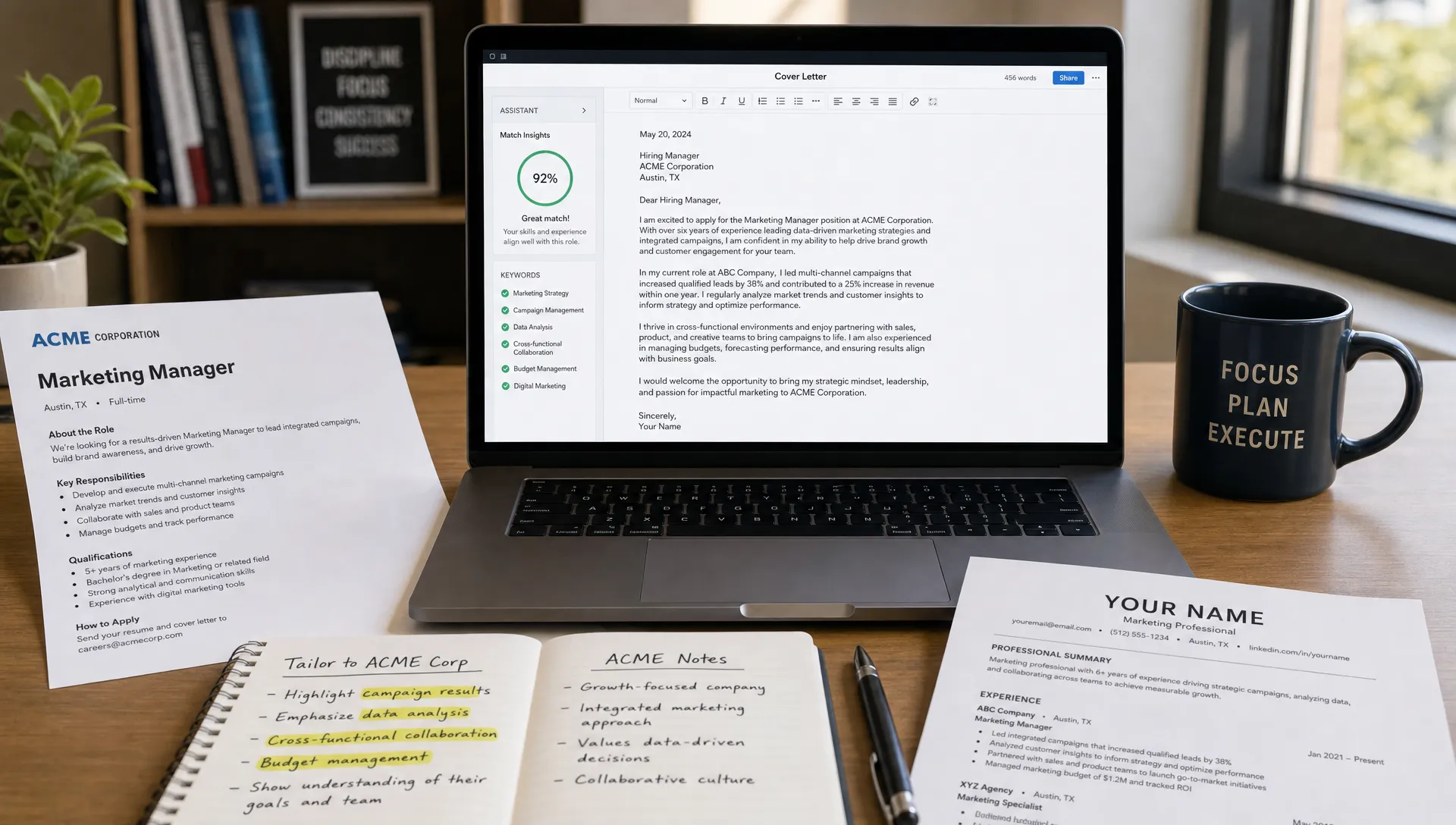
A cover letter AI generator can save you from staring at a blank page, but it should not replace your judgment. The best results come when you treat AI as a drafting assistant, not as a job-search autopilot.
Used well, AI helps you turn scattered experience into a clear, polished, role-specific letter. Used poorly, it creates generic paragraphs that sound impressive but say very little. The difference is not the tool alone. It is the way you brief it, edit it, and verify the final result.
This guide walks through the right way to use a cover letter AI generator so your letter sounds professional, truthful, and relevant to the job you actually want.
What a cover letter AI generator should do for you
A good cover letter has a simple job: connect your experience to the employer’s needs. It should not repeat your resume line by line. It should explain why your background matters for this specific role, at this specific company, right now.
A cover letter AI generator is useful because it can quickly organize your details into a professional structure. It can help with phrasing, tone, transitions, and formatting. It can also produce a strong first draft faster than most people can write one from scratch.
But AI does not know which accomplishments are most important unless you tell it. It does not know whether a claim is true. It cannot replace your personal judgment about what you want to emphasize.
Think of the tool as a smart writing partner. You bring the facts, proof, and context. The AI turns them into a clean draft. Then you edit the result so it sounds like you and fits the opportunity.
Start with the job posting, not your resume
Many people begin by pasting in their resume and asking AI to write a cover letter. That can work, but it often produces a broad summary of your background instead of a targeted application.
The better starting point is the job posting. The employer has already told you what matters: responsibilities, required skills, preferred qualifications, company values, and sometimes the problems the new hire will solve.
Before generating your letter, identify the most important parts of the posting:
- The exact role title and company name
- Two or three responsibilities that seem central to the job
- Required skills you can honestly support with evidence
- Preferred qualifications that match your background
- Any company detail that genuinely interests you
Then compare those details with your own experience. Your goal is to find the overlap between what the employer needs and what you can prove.
The U.S. Department of Labor’s CareerOneStop cover letter guidance emphasizes showing how your skills and experience fit the employer’s needs. That is also the best way to brief an AI tool: give it the employer’s needs first, then your evidence.
Give the AI proof, not vague claims
The biggest mistake job seekers make with AI cover letters is giving vague input and expecting specific output. If your prompt says, “Write a cover letter for a marketing role. I am hardworking and experienced,” the result will probably sound like everyone else’s.
Instead, provide proof points. These can be numbers, projects, responsibilities, tools, outcomes, or examples of how you worked.
Here is the difference:
| Weak input | Stronger input |
|---|---|
| I am a good communicator. | I created weekly client status updates that reduced follow-up emails and kept three project teams aligned. |
| I have sales experience. | I managed a pipeline of 80+ prospects and helped increase quarterly demo bookings by 18%. |
| I am organized. | I coordinated onboarding documents, calendars, and manager check-ins for 25 new hires. |
| I know Excel. | I built Excel reports using pivot tables and lookup formulas to track inventory trends. |
The stronger input gives the AI something concrete to work with. It also makes the final letter more believable.
If you do not have metrics, that is fine. Not every job has numbers attached. Use specific examples instead. A cashier might mention training new team members, handling peak-hour customer volume, or resolving customer concerns. A student might mention a class project, internship, volunteer role, or leadership position.
Use a clear brief before generating the draft
A cover letter AI generator performs best when your instructions are specific but not overly complicated. You do not need a long prompt. You need the right ingredients.
Use this simple brief structure:
| Input | What to include |
|---|---|
| Target role | Job title, company name, and industry |
| Main match | Two or three skills or responsibilities from the job posting |
| Proof points | Specific accomplishments, projects, tools, or examples |
| Motivation | A real reason you are interested in the company or role |
| Tone | Professional, confident, warm, concise, or enthusiastic |
| Constraints | Length, no exaggeration, no clichés, or focus on career change |
For example, instead of asking, “Write me a cover letter,” you might provide: “Write a concise, professional cover letter for a Customer Success Associate role at a B2B software company. Emphasize my two years in support, experience handling 40+ customer tickets per week, ability to explain technical issues in plain language, and interest in helping customers adopt software successfully. Keep it under 300 words and avoid sounding overly formal.”
That kind of brief gives the AI direction while leaving room for it to write naturally.
If you want more detailed guidance on inputs and prompt quality, LetterCraft AI has a separate guide on getting better output from an AI cover letter generator.
Choose the right tone for the company and role
Tone matters because a cover letter is not just a list of qualifications. It is also a professional introduction. The right tone helps you sound capable, self-aware, and easy to work with.
For most applications, choose a tone that is confident and clear. Avoid language that sounds desperate, overly casual, or exaggerated. Phrases like “I am the perfect candidate” or “I have always dreamed of working here” can feel generic if they are not backed by real context.
A good tone usually sounds like this:
“I was drawn to this role because it combines customer communication, problem solving, and product knowledge, which are the areas where I have built the strongest experience.”
A weaker tone might sound like this:
“I believe I am uniquely perfect for this amazing opportunity and would be honored beyond words to join your world-class team.”
The first version is specific and professional. The second version is inflated and easy to ignore.
When using AI, ask for a tone that matches your situation. A senior executive letter may need to sound strategic and concise. A nonprofit application may benefit from a warmer, mission-focused tone. A technical role should usually be direct and evidence-based.
Edit the AI draft before sending it
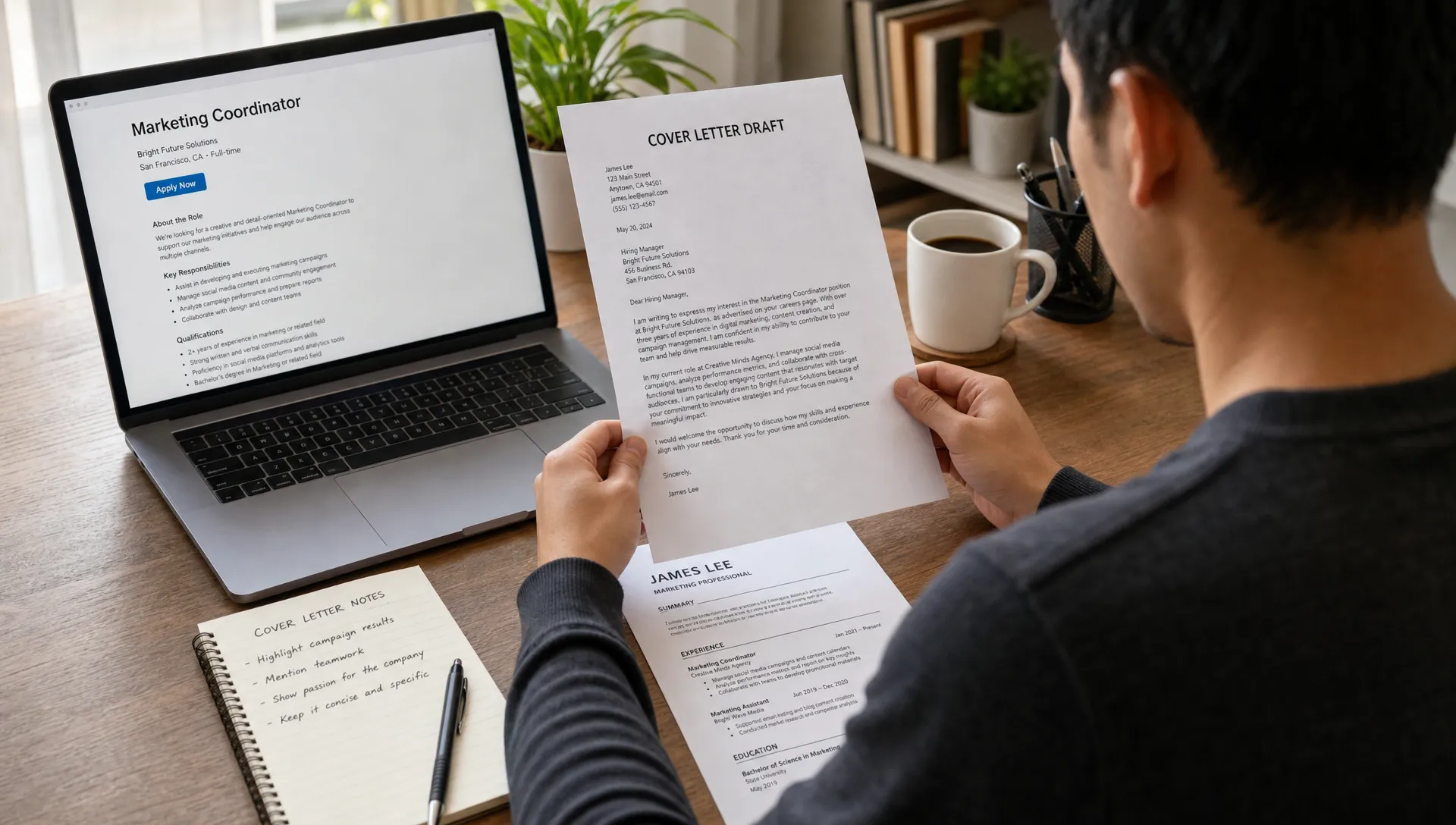
The right way to use a cover letter AI generator includes editing. Even a strong AI draft should be reviewed before you submit it.
Your edit should focus on three things: accuracy, specificity, and voice.
First, check every factual statement. If the AI says you “led” a project when you only assisted, change it. If it invents a metric, remove it. If it adds a skill you do not have, delete it. A cover letter is a professional document, and false claims can hurt your credibility.
Second, replace generic statements with details. If the draft says, “I have strong leadership skills,” add an example. If it says, “I am passionate about your company,” name the reason.
Third, make sure the letter sounds like something you would actually say. It should be polished, but not robotic. If a sentence feels too formal or too dramatic, simplify it.
A useful editing rule is to read the letter out loud. If you stumble over a sentence, it probably needs to be shorter. If you would feel awkward saying a phrase in an interview, rewrite it.
Follow a simple 10-minute review process
You do not need to spend an hour rewriting every AI-generated draft. A focused review is usually enough.
Use this quick process before sending:
- Check the opening: Make sure it names the correct role and company, and gives a real reason for your interest.
- Highlight the evidence: Confirm the body includes two or three concrete proof points that match the job posting.
- Remove filler: Cut clichés such as “team player,” “go-getter,” “perfect fit,” and “results-driven” unless they are supported by examples.
- Verify the facts: Look for invented skills, inflated responsibilities, wrong company details, or inaccurate dates.
- Tighten the close: End with interest in discussing the role, not a long or overly emotional sign-off.
This process keeps the speed advantage of AI while protecting the quality of your application.
Personalize the letter without overdoing it
Personalization does not mean writing a completely different life story for every employer. It means making the letter relevant enough that the hiring manager can see why you applied.
The best places to personalize are the opening paragraph and the first body paragraph. Mention the company, the role, and one meaningful reason the opportunity fits your background or goals.
For example:
“I am excited to apply for the Operations Coordinator role at Greenline Logistics because the position combines process improvement, vendor communication, and scheduling accuracy, all areas I developed in my previous administrative role.”
That sentence is personalized because it connects the job’s needs with the applicant’s experience. It does not rely on empty praise.
Avoid personalization that feels forced. Do not mention a company value if you cannot connect it to your experience. Do not reference a recent press release unless it genuinely relates to your application. Hiring teams can usually tell when a sentence was inserted only to look customized.
Use keywords naturally, not mechanically
Some applicants worry that their cover letter needs to be packed with keywords. It is true that your application should reflect the language of the job posting, but readability still comes first.
Use exact terms when they are natural. If the job posting asks for “vendor management,” and you have done that work, include the phrase. If it mentions “cross-functional collaboration,” use it only if you can explain what teams you worked with and what you accomplished.
Do not repeat the same phrase five times. Do not copy entire sentences from the job description. The goal is alignment, not imitation.
A strong AI-assisted sentence might be:
“In my current role, I coordinate with sales, finance, and implementation teams to resolve customer onboarding issues before launch.”
That sentence may support keywords like coordination, customer onboarding, and cross-functional work, but it still sounds human.
Adapt the AI output to your career situation
Different applicants need different cover letter strategies. A new graduate should not sound like a senior manager. A career changer should not pretend their background is traditional. A returning professional may need to explain a gap briefly and confidently.
Here is how to guide the AI based on your situation:
| Situation | What to tell the AI | What to review carefully |
|---|---|---|
| Entry-level applicant | Coursework, internships, projects, volunteer work, transferable skills | Avoid overstating experience or using senior-level language |
| Career changer | Relevant transferable skills, reason for the transition, proof from past roles | Make the connection clear without apologizing for the change |
| Experienced professional | Leadership scope, outcomes, industry knowledge, strategic impact | Keep it concise and avoid repeating the resume |
| Employment gap | Current readiness, relevant recent activity, brief context if needed | Do not let the gap dominate the letter |
| Internal applicant | Knowledge of the organization, contributions, relationships, growth goals | Avoid assuming the reader already knows your achievements |
This is where a flexible tool can help. LetterCraft AI supports multiple tone options and personalized templates, so you can create a draft that fits the situation instead of forcing every applicant into the same style. You can start from the AI letter generator and adjust the inputs depending on the role and context.
Keep the structure simple
A cover letter does not need to be long. In many cases, three to four short paragraphs are enough.
A reliable structure looks like this:
- Opening paragraph: State the role, company, and your main reason for applying.
- Body paragraph one: Connect your strongest experience to the job’s most important requirement.
- Body paragraph two: Add another proof point, skill, or motivation that strengthens your fit.
- Closing paragraph: Reaffirm interest and invite the next conversation.
This structure works because it respects the reader’s time. Hiring managers and recruiters often review many applications. A concise, relevant letter is easier to process than a long, unfocused one.
If the AI draft is too long, ask it to shorten the letter while preserving the strongest evidence. You can also cut anything that repeats your resume without adding context.
Watch for common AI cover letter mistakes
AI-generated cover letters often fail in predictable ways. Once you know what to look for, they are easy to fix.
The first common mistake is sounding too polished. A letter can be grammatically perfect and still feel artificial. If every sentence is broad, flattering, and abstract, add real details.
The second mistake is overclaiming. AI may turn “helped with onboarding” into “led the onboarding strategy.” Always bring the wording back to the truth.
The third mistake is using the same letter for every job. Even if the writing is good, a generic letter weakens your application. Adjust the opening, proof points, and company connection for each role.
The fourth mistake is ignoring instructions. If the application asks you to address a specific question, include salary expectations, or limit the letter length, follow those instructions. AI can help, but you are responsible for the final submission.
Protect your privacy and professional reputation
When using any AI tool, be thoughtful about the information you provide. A cover letter usually does not require sensitive personal data. You can get a strong draft without sharing your full address, government ID numbers, confidential employer information, or private client details.
Use general but truthful descriptions when needed. For example, say “a healthcare client” instead of naming a confidential account. Say “internal financial report” instead of uploading private company data.
Also consider your professional reputation. The final letter should reflect your real communication style and actual experience. If you are invited to interview, you should be able to discuss every claim comfortably.
When should you not use AI for the whole letter?
AI is helpful for most standard cover letters, but there are moments when you may want to write more of the letter yourself.
If you are applying for a highly personal mission-driven role, such as a nonprofit position connected to your lived experience, your own voice may matter more than polished phrasing. AI can still help with structure, but the core story should come from you.
If you are applying for a senior leadership role, you may need a sharper strategic narrative than a general generator provides. AI can draft, but you should heavily edit for positioning, business impact, and executive tone.
If the employer asks unusual application questions, do not force a standard cover letter format. Answer the prompt directly.
In all cases, AI is still useful for brainstorming, tightening, and proofreading. The key is deciding how much of the final message should come directly from your own writing.
A practical workflow using LetterCraft AI
If you want a fast but careful process, use AI in stages rather than generating once and sending immediately.
Start by collecting the job posting, your resume, and three proof points that match the role. Then use a tool like LetterCraft AI to generate a personalized cover letter draft in under 30 seconds. Choose a tone that fits the application, review the result, and revise anything that sounds generic or inaccurate.
Once the draft is ready, use the built-in options that fit your process, such as copying the text, exporting to PDF, or keeping track of your letter history. These features are especially useful if you are applying to multiple roles and want to stay organized without sending the same letter everywhere.
If you are still comparing tools, this guide to the best free cover letter generator tools can help you understand what to look for before choosing one.
Final checklist before you submit
Before you attach or paste your cover letter into an application, give it one last review.
Make sure the company name and job title are correct. Confirm that your strongest paragraph addresses the employer’s most important need. Remove any sentence that could apply to any candidate in any industry. Check spelling, grammar, formatting, and contact details. Save the letter with a clear file name if you are uploading it.
Most importantly, ask yourself: “If a recruiter asked me about this sentence in an interview, could I explain it with confidence?” If the answer is yes, your AI-assisted cover letter is likely ready.
Frequently Asked Questions
Is it okay to use a cover letter AI generator? Yes, it is okay to use a cover letter AI generator as long as the final letter is truthful, personalized, and reviewed by you. AI should help you write more clearly, not invent qualifications or replace your judgment.
Will employers know my cover letter was written with AI? Employers may notice if the letter is generic, exaggerated, or overly polished. They are less likely to care about AI assistance if the letter is specific, accurate, and clearly connected to the role.
How long should an AI-generated cover letter be? Most cover letters should be around 250 to 400 words. The right length depends on the role and application instructions, but concise and relevant is usually better than long and repetitive.
What should I put into a cover letter AI generator? Include the job title, company name, key job requirements, your most relevant proof points, your reason for applying, and the tone you want. The more specific your inputs, the better the draft will be.
Should I use the same AI-generated cover letter for every job? No. You can reuse a structure, but each letter should be adjusted for the role, company, and job posting. At minimum, personalize the opening, main proof points, and company connection.
Create a stronger cover letter faster
A cover letter AI generator works best when you bring the strategy and let the tool handle the first draft. Start with the job posting, add truthful proof, choose the right tone, and edit before sending.
With LetterCraft AI, you can generate professional, personalized cover letters and 65+ other letter types quickly, with no credit card required to try. Use it to save time, then make the final letter unmistakably yours.
Write your cover letter — not a blank template
Generate a finished cover letter with your details, tone, and language in ~30 seconds. Free first letter, no credit card — beats copy-pasting and filling the blanks yourself.