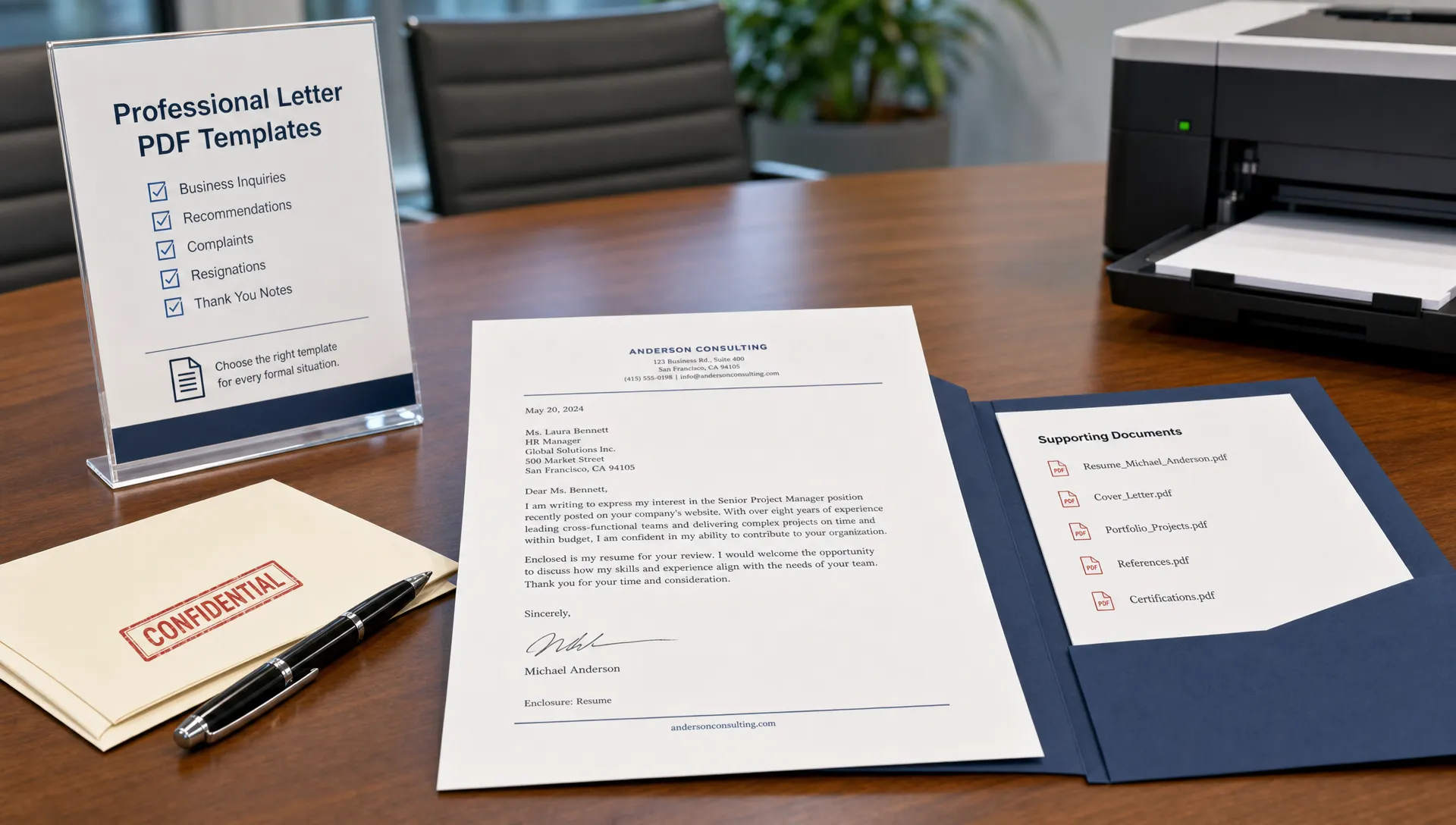
Best Letter PDF Template Options for Professional Use
Compare the best letter PDF template options for professional use, with formats, must-have sections, and tips for polished PDFs.
Choosing a letter PDF template is less about finding the prettiest page and more about choosing a format that fits the situation, protects your formatting, and makes your message easy to act on. A polished PDF can help a job application, business request, complaint, resignation, or formal notice look intentional instead of thrown together at the last minute.
The best option depends on three things: who will read the letter, how formal the matter is, and whether you need a reusable template or a one-time finished document. Below are the strongest letter PDF template options for professional use, plus practical guidance on when each one works best.
What a professional letter PDF template needs to do
A professional letter template should make the reader trust the message before they even reach the second paragraph. That does not mean it needs decorative borders, icons, or heavy styling. In most professional situations, restraint is more credible than visual flair.
A good letter PDF template should:
- Keep your formatting consistent across devices and email platforms.
- Include all necessary sender, recipient, date, subject, greeting, body, closing, and signature details.
- Use spacing that makes the letter easy to scan without looking sparse.
- Support a tone that matches the purpose, such as confident, polite, firm, appreciative, or formal.
- Export as a clean, searchable PDF rather than an image-only scan.
PDF is especially useful when you want the final file to look the same for every recipient. A résumé cover letter, landlord request, refund complaint, resignation letter, reference letter, or formal business request can all benefit from that consistency.
For traditional structure, Purdue OWL business letter guidance is a useful reference because it emphasizes clarity, appropriate formatting, and reader-focused writing. If you want a closer breakdown of formal layout styles, this guide to letter writing template PDF options for formal use covers block format, modified block, letterhead layouts, and other formal structures in more detail.
Best letter PDF template options by professional use case
Different professional letters need different levels of detail. A cover letter should sell your fit for a role, while a complaint letter needs dates, evidence, and a specific resolution request. A resignation letter should be brief and courteous, while a formal request may need a clear subject line and supporting context.
| Letter PDF template option | Best for | Main advantage | Watch out for |
|---|---|---|---|
| Classic business letter | Formal requests, notices, company correspondence | Universal, clean, widely accepted | Can feel generic if the wording is too stiff |
| Letterhead template | Business-to-business letters, official company notices | Builds credibility and brand consistency | Overdesigned headers can distract from the message |
| Cover letter PDF template | Job applications, internships, career changes | Presents your qualifications in a polished format | Must be tailored to the role, not copied word for word |
| Complaint or dispute template | Refunds, billing issues, service problems | Organizes facts, timeline, and desired outcome | Emotional language can weaken the case |
| Resignation letter template | Leaving a job professionally | Keeps the message respectful and concise | Too much explanation can create unnecessary tension |
| Recommendation or reference template | Academic, employment, scholarship support | Highlights specific evidence of character or performance | Vague praise sounds less credible |
| Short authorization template | Permission letters, document pickup, simple approvals | Fast and practical | Missing names, dates, or scope can cause confusion |
| AI-generated PDF letter | Any scenario requiring a personalized final draft | Saves time while adapting tone and structure | Details must still be reviewed for accuracy |
Classic business letter PDF template
The classic business letter is the safest professional option when you are unsure which format to choose. It usually includes your contact information, the date, the recipient details, a subject line if helpful, a formal greeting, concise paragraphs, a closing, and your signature.
This template is ideal for formal workplace correspondence, administrative requests, professional notices, vendor communication, bank letters, school letters, and official explanations. Its strength is familiarity. Most readers know how to process it quickly.
Use this format when the matter is serious, documented, or likely to be filed for future reference. Keep the body to three or four focused paragraphs. Start with the purpose, add only the necessary context, state your request or decision, and close with a professional next step.
Letterhead PDF template
A letterhead template is best when the letter represents a company, organization, nonprofit, school, or professional practice. The header may include a logo, company name, address, phone number, email, and website. In PDF form, it creates a finished document that feels official.
The key is balance. A professional letterhead should support the message, not compete with it. Use a simple header, generous white space, and readable body text. If the letter is being printed, make sure the header does not crowd the top margin.
Letterhead templates work well for partnership proposals, employment verification, account notices, formal invitations, donation acknowledgments, client updates, and business introductions.
Cover letter PDF template
A cover letter PDF template should be visually aligned with your résumé but not overly designed. The reader is usually a recruiter or hiring manager, so the layout should make it easy to see the role you are applying for, your strongest qualification, and why you are a credible match.
The most effective cover letter templates often use a clean header with your name and contact details, a short opening paragraph, one or two evidence-driven body paragraphs, and a confident closing. If you are comparing styles for job applications, these free cover letter layouts that look professional can help you choose between classic, modern, email-friendly, and achievement-focused formats.
PDF is usually the right export format when the employer allows attachments and you want to preserve your layout. If an application system asks you to paste text into a field, use the same content but remove formatting that may not transfer cleanly.
Formal request PDF template
A formal request letter needs more structure than a casual email because the reader often has to approve, deny, forward, or file it. The template should clearly show what you are requesting, why you are requesting it, and what action you want the recipient to take.
This option is useful for time-off requests, records requests, academic requests, fee waiver requests, schedule changes, maintenance requests, sponsorship requests, and administrative approvals. A subject line can be especially helpful because it tells the reader the purpose immediately.
For a copy-ready structure, the free letter format template for formal requests is a useful starting point. After drafting, export the final version as a PDF if you need a stable record or plan to attach it to an email.
Complaint, refund, or dispute PDF template
A complaint letter PDF template should make your case easy to understand. It should include the relevant dates, order numbers, account details, a factual summary, what went wrong, what you have already tried, and the specific resolution you want.
This is one of the situations where a PDF can be especially helpful. A well-formatted document signals that you are organized and serious. It also allows you to attach supporting records separately, such as receipts, screenshots, contracts, or photos.
The best complaint templates avoid exaggerated language. Instead of sounding angry, aim for firm, specific, and documented. A calm tone usually makes it easier for customer support teams, managers, landlords, or service providers to respond constructively.
Resignation letter PDF template
A resignation letter does not need to be long. In fact, shorter is usually better. A professional template should include the date, your manager or HR contact, your notice of resignation, your intended final working day, appreciation when appropriate, and a brief offer to support the transition.
PDF is useful if your employer requests a formal resignation document or if you want to preserve a clear copy for your records. The template should not invite debate. Avoid excessive complaints, detailed grievances, or emotional explanations. If you need to discuss workplace issues, that is usually better handled separately through HR or an exit interview.
Recommendation or reference PDF template
Recommendation letters require specificity. A strong template should make room for the relationship between writer and candidate, the length of time they have known each other, concrete examples, and a clear endorsement.
This template works for employment references, academic recommendations, scholarships, awards, rental applications, immigration support letters, and volunteer references. The PDF should look formal enough to be credible, but the content should still sound personal.
The biggest mistake is filling the page with generic praise. A credible recommendation mentions measurable results, character traits supported by examples, and the context in which the writer observed the person.
Static, fillable, or AI-generated: which PDF option is best?
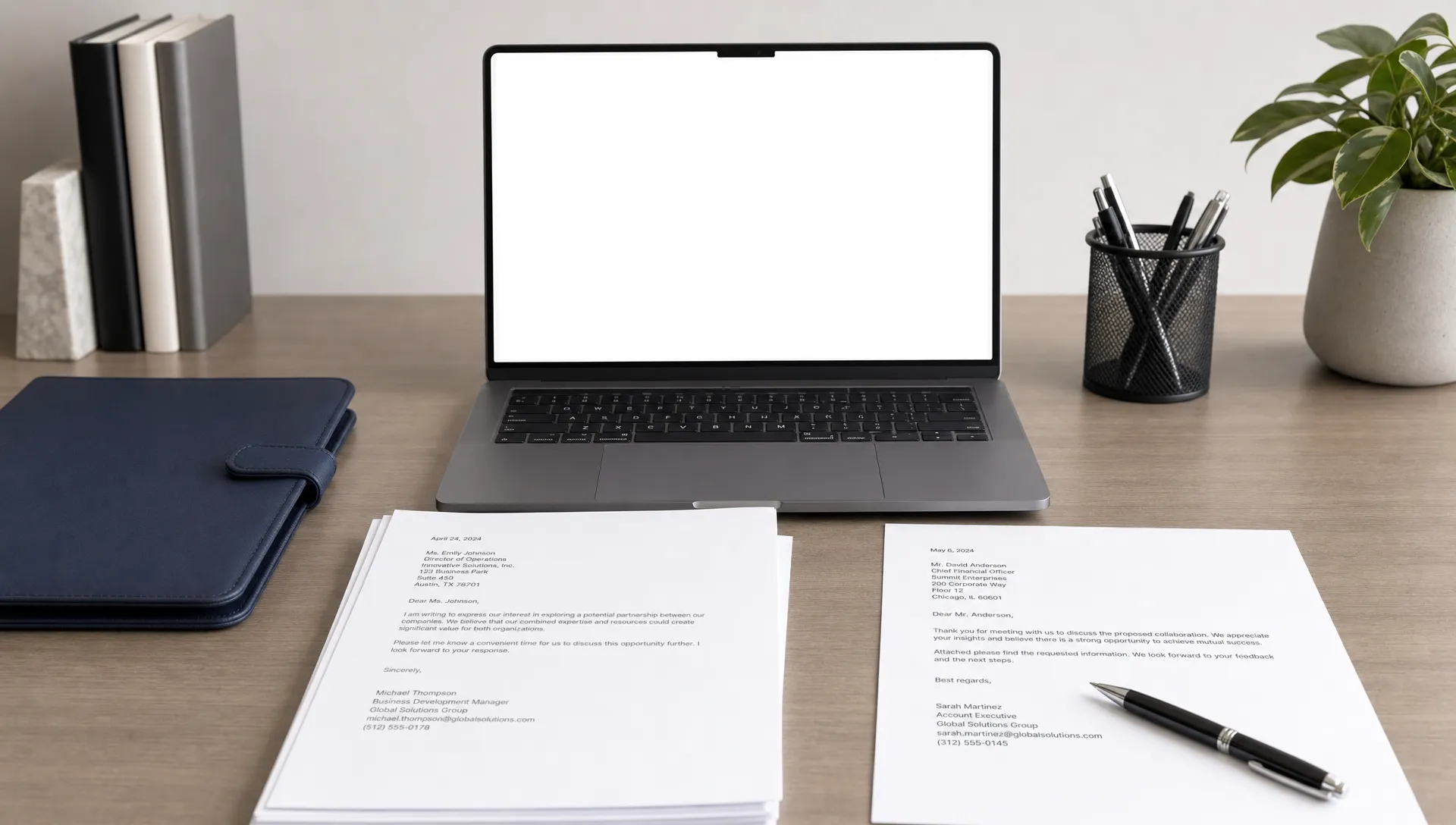
Not every letter PDF template works the same way. Some are blank layouts you edit manually. Some are fillable PDFs with fields. Others are generated from your answers and exported as a completed document.
| Template type | Best for | Pros | Limitations |
|---|---|---|---|
| Static PDF template | One-time letters with simple wording | Easy to download, print, and use | Harder to customize without editing software |
| Fillable PDF template | Repeated internal forms or standard requests | Consistent fields and predictable formatting | Can feel rigid for nuanced situations |
| Word or Google Docs template exported to PDF | Letters that need manual editing | Flexible and familiar | Formatting can shift before export |
| AI-generated letter exported to PDF | Personalized professional drafts | Fast, tailored, tone-aware | Requires review of names, facts, and final details |
If you only need a simple authorization letter, a fillable PDF may be enough. If the letter requires persuasion, explanation, diplomacy, or careful tone, an AI-generated draft is often more useful because the wording can adapt to your situation.
This is where a tool like LetterCraft AI can be helpful. Instead of starting from a blank page, you provide the key details, choose the tone, and generate a personalized letter that can be exported as a PDF.
Design details that make a letter PDF look professional
A professional letter does not need a complex design system. It needs consistency. The safest approach is to use readable fonts, simple spacing, and a clear hierarchy.
| Element | Professional choice | Avoid |
|---|---|---|
| Font | Arial, Calibri, Times New Roman, Georgia, or similar readable fonts | Decorative or novelty fonts |
| Font size | 10.5 to 12 pt for body text | Tiny text to force everything onto one page |
| Margins | Around 1 inch on standard letter or A4 paper | Crowded edges that look difficult to print |
| Alignment | Left-aligned body text | Centered paragraphs for formal content |
| Color | Black or dark gray text | Bright colors unless part of subtle branding |
| File name | Clear and descriptive, such as Firstname-Lastname-Cover-Letter.pdf | Vague names like document-final-new.pdf |
For most professional letters, one page is ideal. Two pages can be acceptable for detailed complaints, recommendations, or complex requests, but only if the extra information is necessary. If the letter is longer than two pages, consider whether some supporting details should be moved to attachments.
How to choose the right letter PDF template quickly
Start with the reader. A recruiter needs evidence of fit. A landlord needs facts and a clear request. A manager needs a respectful notice. A customer support department needs account details and a resolution path. The template should serve that reader's decision-making process.
Next, match the level of formality to the consequence of the letter. A letter that affects employment, money, housing, legal rights, academic status, or official records should use a more formal structure. A thank-you letter, networking note, or simple follow-up can be warmer and less rigid.
Finally, choose the format based on how much customization you need. If the message is routine, a fillable template may be fine. If the message is sensitive, persuasive, or career-related, use a more personalized template or an AI-generated draft and then review it carefully before sending.
Common mistakes to avoid before sending a PDF letter
Even a strong template can look unprofessional if the final file is rushed. Before sending, review both the content and the document itself.
- Leaving placeholder text in the final version.
- Using the wrong recipient name, company name, or date.
- Exporting a scanned image instead of a searchable PDF.
- Choosing a template that looks too casual for the situation.
- Sending a file with a confusing or unprofessional file name.
- Forgetting to include attachments referenced in the letter.
- Using an overly emotional tone in a complaint, resignation, or dispute.
Also check whether the recipient requested a specific format. Some employers, schools, agencies, and platforms prefer DOCX, plain text, or portal submissions. A PDF is excellent for preserving layout, but the requested format should always come first.
A simple workflow for creating a polished letter PDF
A reliable workflow is better than hunting for a new template every time. Use the same basic process for most professional letters.
- Choose the letter type based on your goal and audience.
- Collect the key facts, including names, dates, reference numbers, deadlines, and desired outcome.
- Draft the message in a tone that fits the situation.
- Review the structure, spelling, file name, and recipient details.
- Export the final version as a PDF and save a copy for your records.
If you use a template often, keep a master version without personal details filled in. If you generate letters as needed, keep a record of sent versions so you can follow up consistently.
Frequently Asked Questions
What is the best letter PDF template for professional use? The best general option is a classic business letter template because it is clean, familiar, and appropriate for many formal situations. For job applications, use a dedicated cover letter PDF template. For disputes or refunds, use a complaint template with space for facts, dates, and the requested resolution.
Should a professional letter PDF be one page? In most cases, yes. One page is ideal for cover letters, resignations, requests, and routine business letters. A longer PDF may be appropriate for detailed complaints, recommendation letters, or complex explanations, but only if the added detail helps the reader take action.
Is a fillable PDF template better than an editable document? A fillable PDF is useful when you need consistent fields and repeated use. An editable document is better when the wording needs flexibility. For a polished final version, many people draft in an editable format and then export to PDF.
Can I use an AI-generated letter as a PDF template? Yes, if you review the final draft carefully. AI can help structure the letter, adapt the tone, and personalize the wording, but you should always verify names, dates, facts, and any claims before sending.
What should I name a professional letter PDF file? Use a clear file name that identifies the sender and purpose. For example, Firstname-Lastname-Resignation-Letter.pdf or Firstname-Lastname-Cover-Letter-Company.pdf. Avoid vague names such as letter.pdf or final-version-2.pdf.
Create a professional letter PDF faster
The right template saves time, but the right draft matters even more. If you want a polished letter without starting from a blank page, LetterCraft AI can generate personalized letters for 65+ scenarios in under 30 seconds, offer multiple tone options, and export your finished letter as a PDF.
You can try it with no credit card required, then copy, save, or export the result when you are ready to send a professional letter that looks as clear as it sounds.