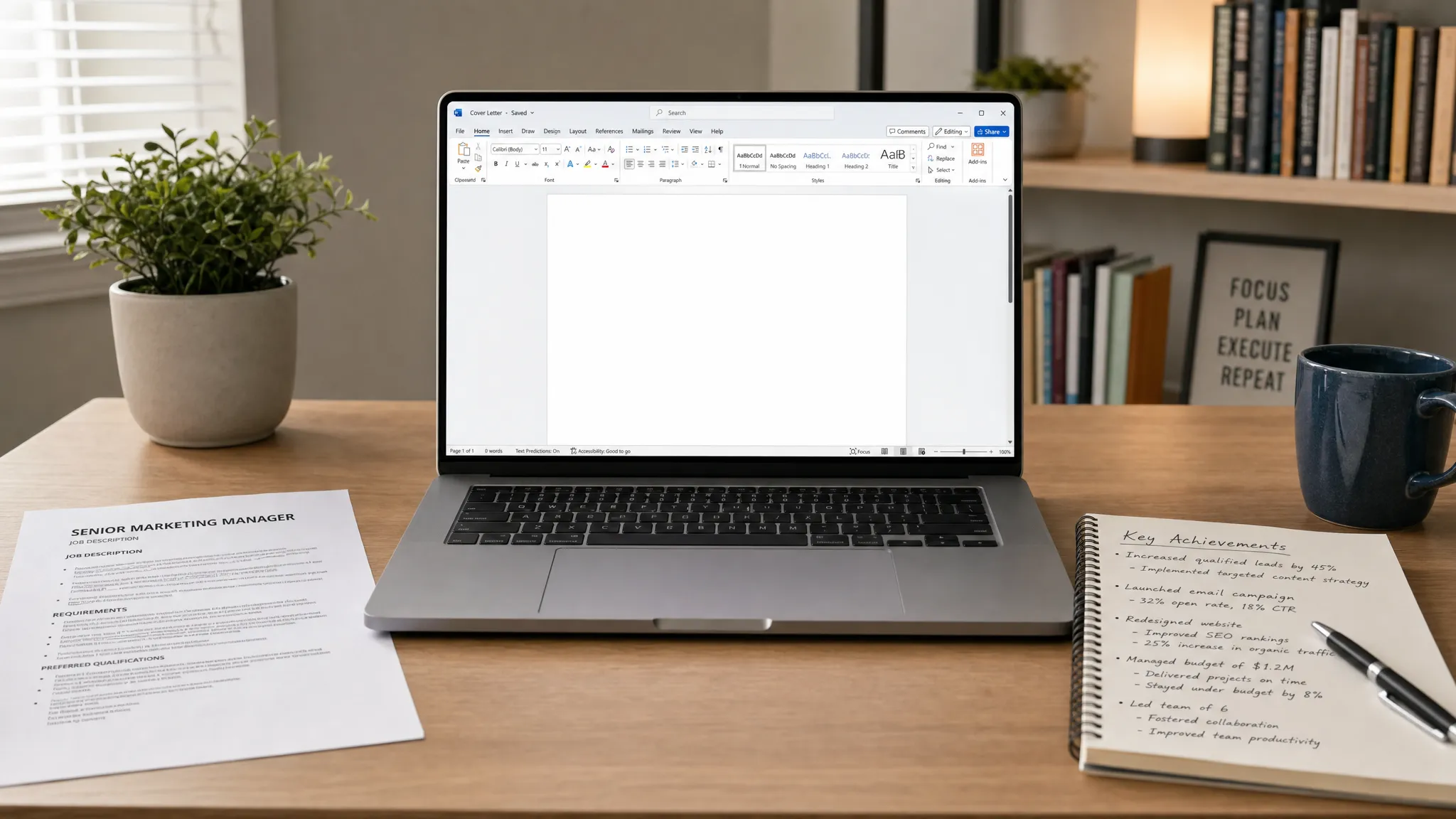
Help Me Write a Cover Letter: A Simple Prompt That Works
Need help me write a cover letter? Copy this proven AI prompt, see examples, and turn rough job notes into a polished letter fast.
Write your cover letter — not a blank template
Generate a finished cover letter with your details, tone, and language in ~30 seconds. Free first letter, no credit card — beats copy-pasting and filling the blanks yourself.
If you typed “help me write a cover letter” into an AI tool and got something bland, the problem is probably not the AI. It is the prompt.
A cover letter prompt works best when it gives the AI the same information a good career coach would ask for: the job, the company, the proof from your background, the tone you want, and what not to invent. The goal is not to make AI write a perfect final letter with no review. The goal is to turn a blank page into a focused first draft you can edit quickly.
Below is a simple prompt you can copy, paste, and customize for almost any job application.
The simple prompt that works
Copy this prompt into your AI writing tool, then replace the bracketed sections with your own details.
Help me write a cover letter for this role.

Job title: [Job title]
Company: [Company name]
Job posting highlights: [Paste 3 to 6 key requirements or responsibilities from the job description]
My relevant experience: [List 3 to 5 achievements, skills, projects, or responsibilities from my resume]
Why I am interested in this company or role: [Give 1 specific reason]
My situation: [Optional: career change, recent graduate, employment gap, relocation, layoff, internal application, referral, etc.]
Tone: [Professional, warm, confident, concise, enthusiastic, formal, etc.]

Write a tailored cover letter of 250 to 350 words. Use a clear 3-paragraph structure: a specific opening, an evidence-based middle, and a confident closing. Do not repeat my resume word for word. Do not invent experience, numbers, credentials, or company details. If any important information is missing, ask me 3 questions before writing.
That final sentence is important. A weak AI prompt says, “Make me sound impressive.” A stronger prompt says, “Use only what I gave you, and ask if you need more.” That keeps the letter credible, specific, and easier to defend in an interview.
Why this prompt produces better cover letters
Most generic cover letters fail for the same reason: they are written around the applicant’s desire to get hired, not around the employer’s need to solve a problem. A better prompt forces the draft to connect both sides.
It tells the AI what the role requires, what proof you have, and what tone fits the situation. It also gives constraints, such as length, structure, and no invented details. Those constraints are what make the output usable.
| Prompt element | Why it matters | Example input |
|---|---|---|
| Job title and company | Keeps the letter targeted instead of generic | Marketing Coordinator at BrightPath Health |
| Job posting highlights | Helps the draft mirror the employer’s priorities | Social campaigns, email reporting, event support |
| Relevant experience | Gives the AI evidence to work with | Increased newsletter clicks by 18% |
| Reason for interest | Makes the motivation sound real | Interested in patient education and health access |
| Situation | Helps handle context without overexplaining | Recent graduate with internship experience |
| Tone | Prevents wording that feels too stiff or too casual | Warm, professional, concise |
| No invention rule | Protects credibility | Do not add numbers unless provided |
If you want to understand the structure behind this prompt, LetterCraft’s guide to a 3-paragraph cover letter framework breaks it down into a simple Hook, Evidence, Close format.
What to put in each field
The prompt is only as strong as the details you provide. You do not need to write polished sentences, but you do need to give real material.
Job title and company
Use the exact title from the job posting. If the company uses a specific level, such as “Associate Product Manager” or “Senior Customer Success Manager,” include it. Small wording differences can change the tone and content of the letter.
Job posting highlights
Do not paste the entire job description unless you want the AI to process a lot of noise. Instead, select the responsibilities and qualifications that seem most important. Look for repeated words, required skills, and responsibilities listed near the top.
Strong inputs look like this:
- Manage onboarding for new customers
- Track account health and renewal risk
- Work with sales and product teams
- Create training materials and customer webinars
- Experience with CRM tools preferred
Weak inputs look like this:
- Good job
- Needs communication
- I think I can do it
The AI can write only from the context you provide. Specific input creates specific output.
My relevant experience
This section should include proof, not just traits. Instead of saying “I am hardworking,” give an example that shows it. Instead of saying “I am good with customers,” mention a metric, project, or responsibility.
For example, write: “Handled 35 to 45 customer tickets per day with a 96% satisfaction score.” If you do not have numbers, use concrete details: “Trained three new team members on support workflows” is stronger than “helped the team.”
Why I am interested
This is where many cover letters become forgettable. “I am excited to apply” is not enough. Give one reason that is true and specific.
You might mention the company’s product, mission, customer base, industry, growth stage, or type of work. Keep it short. You are not writing a company report, you are showing that the application is intentional.
My situation
Use this field only if it helps explain the application. For example, a career changer can ask the AI to emphasize transferable skills. A recent graduate can ask it to highlight internships, coursework, projects, or volunteer work. Someone returning after a gap can keep the explanation brief and focus on current readiness.
If the situation is sensitive, instruct the AI to keep it neutral. For example: “Mention my employment gap briefly and positively, but do not make it the focus of the letter.”
Example: turning rough notes into a usable draft
Here is what the prompt might look like for a customer success role.
Help me write a cover letter for this role.

Job title: Customer Success Associate
Company: GreenLedger
Job posting highlights: Onboard small business customers, answer product questions, identify churn risks, collaborate with sales, document customer feedback.
My relevant experience: 2 years in retail banking customer support, handled 40+ customer inquiries daily, trained 4 new hires, created a branch FAQ sheet that reduced repeated questions, comfortable explaining financial products in simple language.
Why I am interested in this company or role: I like that GreenLedger helps small businesses manage finances more clearly.
My situation: I am moving from banking support into SaaS customer success.
Tone: Professional, warm, confident, concise.

Write a tailored cover letter of 250 to 350 words. Use a clear 3-paragraph structure: a specific opening, an evidence-based middle, and a confident closing. Do not repeat my resume word for word. Do not invent experience, numbers, credentials, or company details. If any important information is missing, ask me 3 questions before writing.
A strong AI draft from those notes might begin like this:
Dear Hiring Manager,

I am excited to apply for the Customer Success Associate role at GreenLedger because the position combines two things I have built my experience around: helping customers understand financial tools and turning repeated questions into clearer processes. In my current customer support role in retail banking, I regularly explain financial products to customers who need practical, simple answers, which aligns closely with GreenLedger’s work supporting small businesses.

Over the past two years, I have handled more than 40 customer inquiries per day, trained four new hires, and created a branch FAQ sheet that reduced repeated questions from customers and team members. Those experiences taught me how to listen for the real issue behind a question, stay calm under volume, and document patterns that can improve the customer experience. While I am transitioning from banking support into SaaS customer success, the core skills are highly transferable: onboarding, trust-building, product explanation, and proactive problem solving.

I would welcome the opportunity to bring my customer support background and process-focused mindset to GreenLedger. Thank you for your time and consideration. I would be glad to discuss how my experience helping customers navigate financial products can support your customer success team.
Notice what makes this work. The letter does not claim SaaS experience the applicant does not have. It connects banking support to SaaS customer success through transferable skills. It uses the company’s work as context without pretending to know internal details.
How to edit the AI draft in 10 minutes
An AI-generated cover letter should be a first draft, not the final version. Before sending, do a short editing pass.
- Check every claim: Remove any number, tool, certification, or responsibility that is not true.
- Make the opening more specific: Replace generic lines like “I am writing to express my interest” with a direct connection to the role.
- Add one human detail: Include a real reason you care about the company, team, product, or problem.
- Cut repeated resume content: The letter should add context, not restate every bullet from your resume.
- Read it out loud: If it sounds unlike you, simplify the wording.
For formatting, keep the final letter easy to scan. A practical range is usually 250 to 400 words, with short paragraphs and a professional sign-off. If you need layout help, see this guide to the cover letter format hiring managers expect.
Prompt variations for common situations
You can use the same base prompt for most applications, but add one extra instruction when your situation needs careful framing.
| Situation | Add this line to your prompt |
|---|---|
| Career change | Emphasize transferable skills and explain the transition in one confident sentence. |
| Recent graduate | Highlight coursework, internships, projects, leadership, and learning ability without overstating experience. |
| Employment gap | Mention the gap only if necessary, keep it neutral, and quickly return to my qualifications. |
| Layoff | If relevant, include one brief neutral sentence and focus on achievements and readiness. |
| No direct experience | Focus on adjacent experience, skills, projects, and evidence of fast learning. |
| Referral | Mention the referral naturally in the opening without relying on it as the main reason to hire me. |
| Remote role | Highlight communication, ownership, documentation, and experience working independently. |
These small additions help the AI handle nuance. The cover letter should explain context only when it improves the application. It should not apologize for your background.
Common mistakes when asking AI for cover letter help
The phrase “help me write a cover letter” is a starting point, but it is not enough on its own. Avoid these common prompt mistakes.
- Asking for a “professional cover letter” without giving the job description
- Providing only personality traits instead of proof
- Asking the AI to “make it impressive,” which can lead to exaggerated claims
- Forgetting to include why you want this specific job
- Using the same generated letter for every application
- Sending the first draft without checking accuracy
The best cover letters are not the most dramatic. They are the clearest. A hiring manager should understand the role you want, why you are a fit, and what evidence supports that fit within the first few paragraphs.
Should you use a dedicated cover letter generator instead?
A generic AI prompt can work well if you know what to include. But if you are short on time or you dislike writing prompts, a purpose-built tool can be faster.
LetterCraft AI is designed to generate professional, personalized letters in under 30 seconds. It supports 65+ letter types, including cover letters, resignation letters, complaint letters, and more. For cover letters, you can provide a few details, choose tone options, copy the result, export to PDF, and keep track of letter history. It is free to try and does not require a credit card.
| Option | Best for | Main limitation |
|---|---|---|
| Generic AI prompt | People who like controlling every instruction | You must write and refine the prompt yourself |
| Static template | People who want a simple structure | Can sound generic if not heavily customized |
| LetterCraft AI | People who want a polished draft quickly | You still need to review and personalize before sending |
If you want more examples before drafting, browse these cover letter examples that got real interviews or use a cover letter template you can customize in minutes.
Frequently Asked Questions
What should I type after “help me write a cover letter”? Add the job title, company, job requirements, your relevant achievements, your reason for applying, your situation, and the tone you want. The more specific your input, the stronger the draft.
Can AI write my cover letter for me? Yes, AI can create a strong first draft, but you should review it carefully. Make sure every claim is accurate, add a real personal detail, and remove wording that does not sound like you.
How long should a cover letter be? Most cover letters should be about 250 to 400 words. Long enough to show fit and motivation, but short enough for a hiring manager to scan quickly.
Should I paste the full job description into the prompt? You can, but it is often better to paste the most important 3 to 6 requirements. That keeps the AI focused on the parts of the job that matter most.
What if I have no direct experience? Ask the AI to focus on transferable skills, projects, coursework, volunteer work, internships, or adjacent experience. Do not pretend to have experience you do not have.
Can I use the same prompt for every job? You can reuse the structure, but you should change the job highlights, company reason, and proof points for each application. A reused prompt is fine. A reused letter is usually not.
Create your cover letter faster
The right prompt can take you from a blank page to a focused draft in minutes. But if you want the process even faster, try LetterCraft AI. Add a few details, choose the tone that fits your application, and generate a professional cover letter you can edit, copy, or export.
Your final letter should still sound like you. LetterCraft simply helps you get there faster, with structure, polish, and less staring at an empty page.
Write your cover letter — not a blank template
Generate a finished cover letter with your details, tone, and language in ~30 seconds. Free first letter, no credit card — beats copy-pasting and filling the blanks yourself.