Job Apply Cover Letter Tips for Faster Customization
Job apply cover letter tips to customize faster, match each role, add proof, avoid generic wording, and send polished applications with confidence.
Write your cover letter — not a blank template
Generate a finished cover letter with your details, tone, and language in ~30 seconds. Free first letter, no credit card — beats copy-pasting and filling the blanks yourself.
Writing a cover letter for every application can feel like a time tax. You know a generic letter is risky, but rewriting from scratch for each role can slow your search to a crawl.
The better approach is not to write more. It is to build a faster customization system.
A strong job apply cover letter should quickly answer three questions for the hiring team: Why this role? Why this company? Why you? If you can answer those with role-specific details and credible proof, you can personalize each letter in minutes without sounding copied and pasted.
Below are practical tips to help you customize cover letters faster while keeping them polished, targeted, and easy to send.
Start With the Goal: Specific, Not Long
Many job seekers think customization means rewriting every sentence. It does not. A customized cover letter is simply a letter that clearly connects your background to the job description.
Hiring teams are usually looking for relevance, clarity, and evidence. They want to see that you understand the role, can do the work, and have a genuine reason for applying. A concise letter that does this well is stronger than a long letter full of broad enthusiasm.
Aim for three to four short paragraphs. Your goal is to make the reader think, “This person understands what we need.”
If you need a complete structure to pair with these tips, this cover letter template you can customize in minutes gives you a copy-ready base you can adapt quickly.
Build a “Cover Letter Kit” Before You Apply
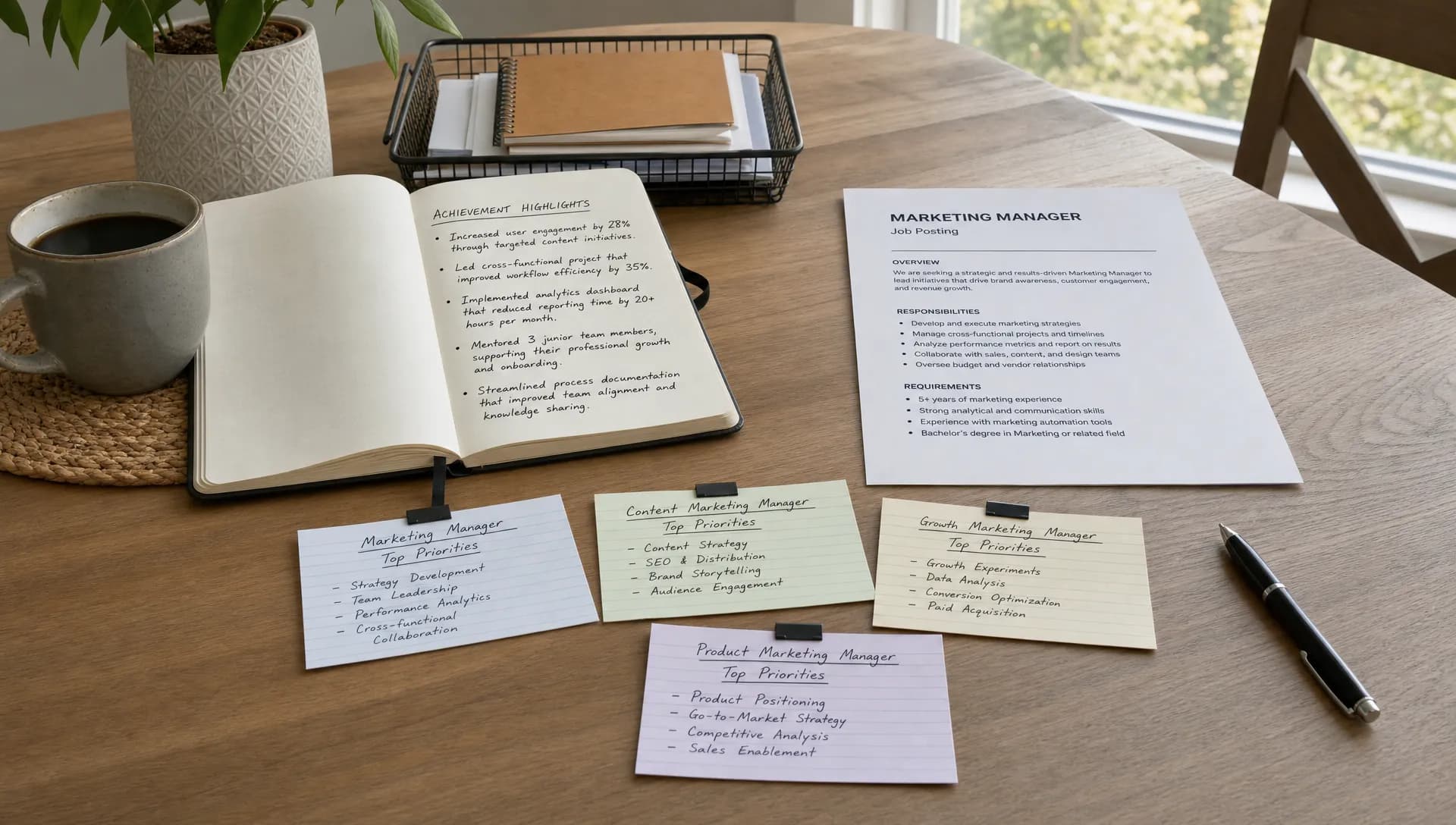
The fastest cover letters are not created from a blank page. They are assembled from reusable, accurate pieces that you update for each job.
Before applying to multiple roles, create a simple cover letter kit with your best career details. This saves time because you are not trying to remember achievements while staring at a job posting.
| Cover letter kit item | What to include | How it speeds up customization |
|---|---|---|
| Professional summary | Your role, years of experience, main strengths, and target job type | Gives you a ready opening angle |
| Proof points | 5 to 8 measurable wins, projects, or responsibilities | Lets you swap in the most relevant evidence |
| Skill clusters | Groups like customer service, operations, sales, design, analysis, leadership, or administration | Helps you match the job description faster |
| Company interest lines | Reasons you are drawn to certain industries, missions, products, or work environments | Makes the “why this company” paragraph easier |
| Closing sentence options | Polite, confident ways to request an interview or conversation | Prevents repetitive endings |
Keep this kit in a document you can update. Each time you write a better sentence or remember a stronger achievement, save it. Over time, customization gets faster because your source material gets better.
Use the 3-Part Match Method
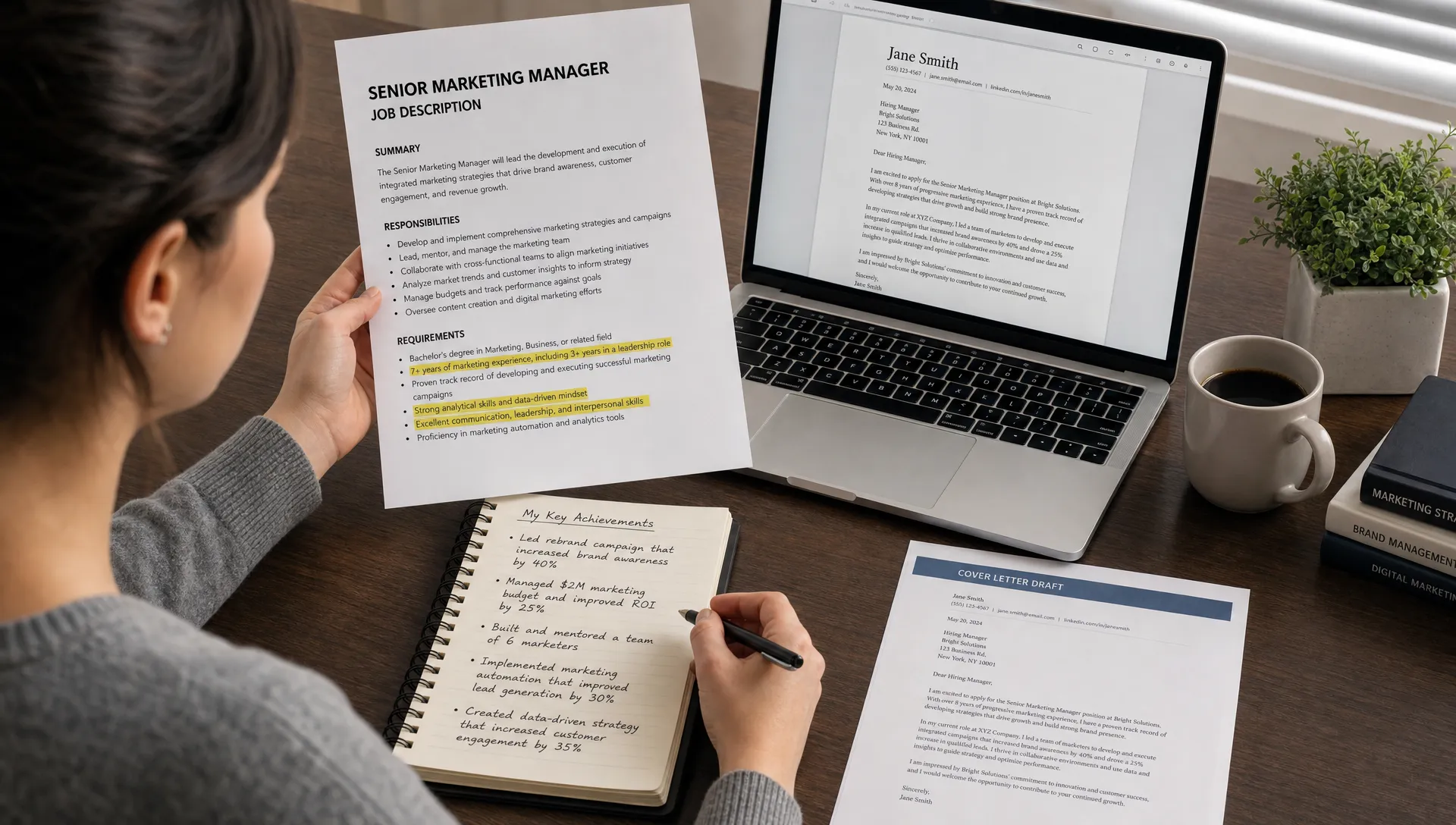
When you open a job description, do not read it like a full essay. Read it like a matching exercise. You are looking for the overlap between what the employer needs and what you can prove.
The 3-part match method is simple: identify the role priority, choose your matching experience, then write one sentence that connects the two.
For example, if the posting emphasizes client communication, your matching experience might be resolving customer issues, managing accounts, supporting stakeholders, or presenting updates. Your sentence could say:
“Your focus on clear client communication stood out to me because my current role requires me to translate customer needs into practical next steps while maintaining strong satisfaction scores.”
That sentence is faster and stronger than a generic line like, “I am a great communicator.” It names the employer’s need, connects your background, and gives the letter direction.
Customize These Four Sections First
If you are short on time, do not edit every word equally. Focus on the parts hiring teams notice most.
1. The opening sentence
Your first sentence should name the role and immediately signal fit. Avoid starting with a generic statement like, “I am writing to apply for the position.” That is clear, but it wastes your strongest real estate.
A better opening is more specific:
“I am excited to apply for the Marketing Coordinator role because it combines campaign execution, content planning, and performance tracking, areas where I have built hands-on experience through internships and freelance projects.”
This opening works because it names the role and highlights relevant strengths in the same sentence.
2. The proof paragraph
This is where most customization should happen. Pick one or two achievements that match the posting. If the job is focused on operations, do not lead with a creative writing project. If the role asks for data analysis, include a project where you used data to improve a process or decision.
Proof does not always need to be a big number. It can be a project, responsibility, result, improvement, or specific tool. Numbers help when they are honest, but clarity matters more than forcing metrics.
3. The company connection
This section should show that you did more than change the company name. Mention something real: the company’s product, customers, mission, industry, recent growth area, or work style.
Keep it professional and brief. One specific sentence is enough.
4. The closing paragraph
Your closing should be confident, not needy. Thank the reader, restate your interest, and invite the next step.
For example:
“Thank you for considering my application. I would welcome the opportunity to discuss how my background in customer support and process improvement can contribute to your team’s service goals.”
Follow a 10-Minute Customization Workflow
A faster cover letter process works best when you repeat the same sequence for every application. Use this workflow when you already have a base draft or template.
- Scan the job description for priorities: Look for repeated responsibilities, required skills, and language that appears near the top of the posting.
- Highlight three keywords naturally: Choose only the phrases that genuinely match your experience, such as “project coordination,” “CRM,” “customer onboarding,” or “financial reporting.”
- Select one proof point: Choose the achievement or example from your cover letter kit that best supports the role’s main need.
- Rewrite the opening: Mention the exact role title and connect it to your strongest relevant qualification.
- Update the company sentence: Add one real reason you are interested in that employer, not a vague compliment.
- Proofread for leftover details: Check that the company name, role title, tone, and examples all match the application.
This workflow prevents over-editing. It also helps you avoid the most common mistake: sending a letter that is technically well written but not clearly connected to the job.
Create Reusable Proof Point Blocks
Proof point blocks are short, flexible paragraphs that describe your experience in a way that can be adapted for different roles. They are especially useful if you apply to similar positions across multiple companies.
Here are examples of proof point blocks you can customize:
| Target role type | Reusable proof angle | Example sentence |
|---|---|---|
| Customer support | Communication, issue resolution, patience | “In my customer-facing roles, I have developed a calm and practical communication style that helps resolve issues while keeping customers informed.” |
| Administrative | Organization, scheduling, accuracy | “My background in administrative support has strengthened my ability to manage schedules, organize records, and keep daily operations running smoothly.” |
| Sales | Relationship building, goals, follow-up | “I have experience building trust with prospects, identifying needs, and following up consistently to move conversations forward.” |
| Marketing | Campaigns, content, analytics | “My experience with content planning and campaign tracking has helped me understand how creative decisions connect to measurable results.” |
| Entry-level | Learning ability, transferable skills, motivation | “Through coursework, part-time work, and team projects, I have built transferable skills in communication, organization, and problem solving.” |
The key is to make these blocks editable. For each application, add the employer’s priority and one detail that makes the paragraph specific.
Use the Job Description Without Copying It
It is smart to mirror relevant language from the job posting, but copying full phrases can make your letter sound robotic. Use the job description as a guide, not a script.
For example, if the posting says, “manage multiple competing priorities in a fast-paced environment,” you could write:
“In my previous role, I regularly balanced urgent requests, recurring deadlines, and cross-team communication while maintaining accuracy.”
This keeps the meaning but makes it sound like your own experience.
Applicant tracking systems may parse resumes more heavily than cover letters, but human readers still notice alignment. Natural keyword use helps the reader quickly connect your letter to the role.
Adjust the Tone Based on the Company
Fast customization is not only about content. Tone matters too.
A letter for a law firm, healthcare organization, or government office may need a more formal tone. A letter for a startup, creative agency, or community nonprofit can often sound slightly warmer and more conversational.
The safest default is professional, direct, and human. Avoid exaggerated excitement, jokes, or overly casual phrasing unless the company’s own communication style clearly supports it.
This is where AI can help if you use it carefully. LetterCraft AI, for example, offers multiple tone options and personalized letter generation, which can help you create a polished draft faster while still giving you room to review and adjust the final version.
Keep a Version Naming System
If you apply to many jobs, file chaos can slow you down. A simple naming system helps you track what you sent and prevents embarrassing mistakes.
Use a format like:
FirstName_LastName_CoverLetter_Company_Role_Date
For example:
Jordan_Rivera_CoverLetter_BrightHealth_CustomerSuccess_2026-07-02
This makes it easier to find past versions, reuse strong paragraphs, and confirm that you are attaching the correct file. If you use a tool with letter history tracking, you can also revisit previous drafts without digging through folders.
Common Mistakes That Make Customization Slower
Sometimes cover letters take too long because the process is unclear. Other times, they take too long because job seekers are fixing preventable problems.
| Mistake | Why it slows you down | Faster fix |
|---|---|---|
| Starting from scratch every time | You spend energy rebuilding the same structure | Use a base template and proof point blocks |
| Trying to include everything | The letter becomes unfocused and hard to edit | Choose one main match and one supporting proof point |
| Over-researching the company | You lose time gathering details you will not use | Find one relevant company detail and move on |
| Using vague claims | You keep rewriting because the letter feels weak | Replace claims with examples, tools, projects, or outcomes |
| Editing before drafting | You interrupt your own writing flow | Draft quickly first, then polish once |
If you are starting with no draft at all, this guide on how to create a cover letter free with a fast workflow can help you move from blank page to usable letter quickly.
A Fast Before-and-After Example
Here is a generic sentence:
“I believe I would be a great fit for your company because I am hardworking and passionate about helping teams succeed.”
It is positive, but it could apply to almost anyone.
Here is a customized version:
“I would be excited to bring my experience coordinating weekly project updates, tracking deliverables, and supporting cross-functional communication to the Project Assistant role at Brightline Solutions.”
The improved version is stronger because it names the role, includes specific responsibilities, and shows a clearer connection between the candidate and the job.
When to Use AI for Faster Cover Letter Customization
AI is most useful when you need a strong first draft, a tone adjustment, or a cleaner version of your own notes. It is less useful if you paste in a job description and send the result without review.
For best results, give the AI specific inputs: the job title, company name, relevant experience, top skills, tone preference, and any achievement you want included. Then check the final letter for accuracy, personality, and fit.
With LetterCraft AI, you can generate professional, personalized letters in under 30 seconds across 65+ letter types, including cover letters. You can also use features like PDF export, copy to clipboard, multiple tone options, and letter history tracking to make the application process more organized.
The best workflow is collaborative: let AI create the structure, then add your judgment. Your final letter should still sound like you and reflect real experience.
Final Checklist Before You Send
Before submitting your job application, give your cover letter one final review. This should take less than two minutes.
- The correct company name and role title are included.
- The opening sentence is specific to the job.
- At least one proof point matches the job description.
- The tone fits the company and industry.
- There are no leftover details from another application.
- The letter is concise, usually one page or less.
- The file name is professional and easy to identify.
This checklist is simple, but it can prevent the mistakes that make an otherwise strong application look careless.
Frequently Asked Questions
How long should a job apply cover letter be? A cover letter is usually strongest when it is one page or less, with three to four concise paragraphs. Focus on relevance and proof rather than length.
How much should I customize each cover letter? Customize the opening, one proof paragraph, the company connection, and the closing. You do not need to rewrite every sentence if your base structure is strong.
Can I use the same cover letter for multiple jobs? You can use the same framework, but you should update the role title, company name, key skills, and proof points for each application. A fully generic letter is easier to spot.
What is the fastest way to personalize a cover letter? Save reusable proof points, scan the job description for top priorities, and swap in the achievement that best matches the role. This can reduce customization time to about 10 minutes once your base draft is ready.
Should I use AI to write my cover letter? Yes, AI can help you draft faster, improve tone, and organize your ideas. Always review the result to make sure it is accurate, specific, and true to your experience.
Create a Polished Cover Letter Faster
A faster cover letter is not a generic one. It is a focused letter built from the right reusable pieces, customized where it matters most, and checked carefully before sending.
If you want to save time on your next application, try LetterCraft AI. Fill in a few details, choose the right tone, and generate a professional cover letter you can personalize, copy, or export as a PDF without starting from scratch.
Write your cover letter — not a blank template
Generate a finished cover letter with your details, tone, and language in ~30 seconds. Free first letter, no credit card — beats copy-pasting and filling the blanks yourself.