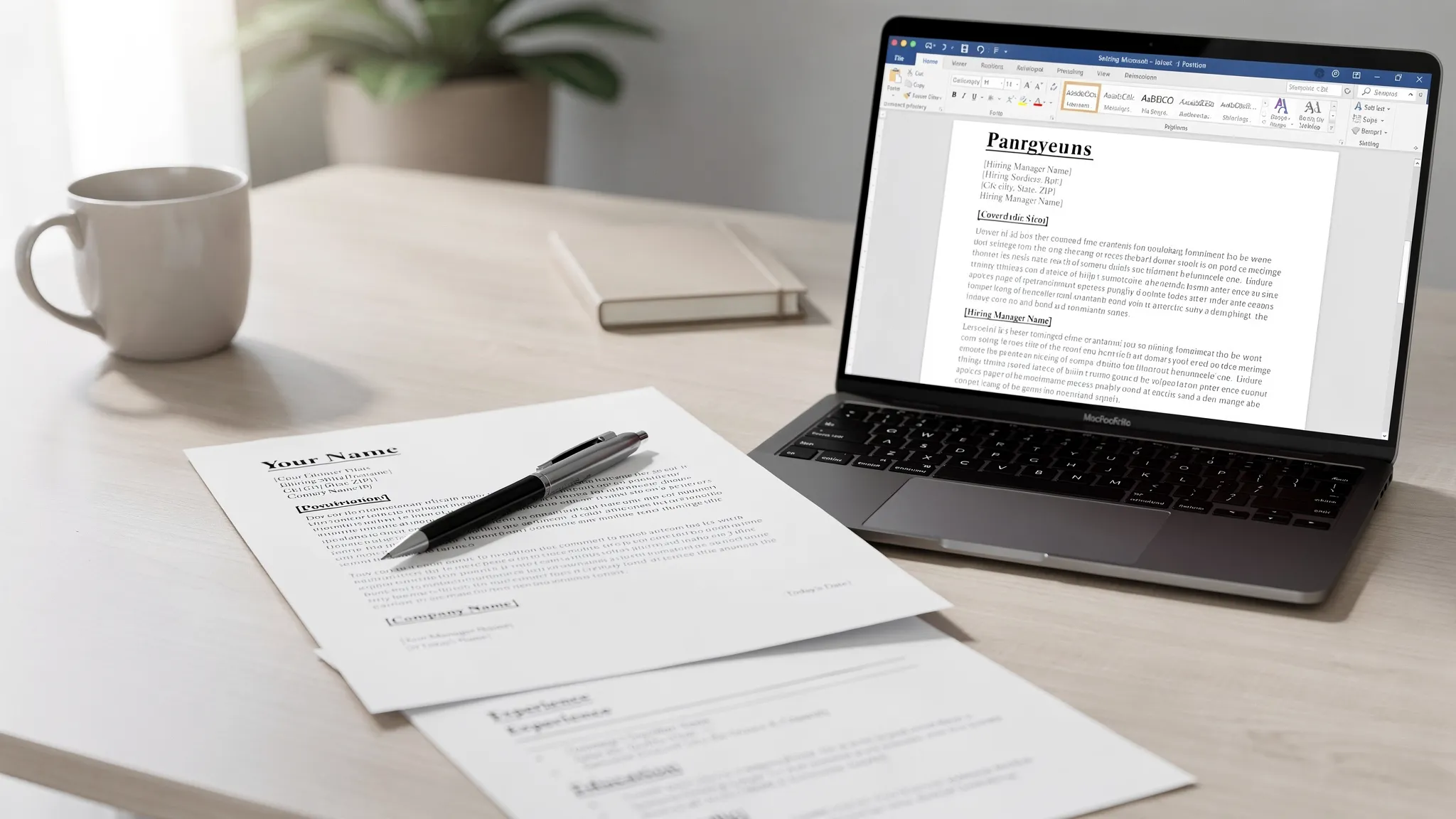
Cover Letter Samples for Word You Can Edit Today
Copy editable cover letter samples for Word, format them correctly, and customize your letter fast with practical examples and tips.
Write your cover letter — not a blank template
Generate a finished cover letter with your details, tone, and language in ~30 seconds. Free first letter, no credit card — beats copy-pasting and filling the blanks yourself.
If you need a cover letter quickly, Microsoft Word is still one of the easiest places to edit, format, and save a professional letter. The challenge is that many “templates” look polished but are hard to personalize, too decorative for applicant tracking systems, or too generic to help you stand out.
Below, you’ll find cover letter samples for Word that you can copy, paste, and edit today. Each sample uses a clean layout, bracketed placeholders, and a structure hiring teams expect: a direct opening, evidence that you can do the job, and a confident close.
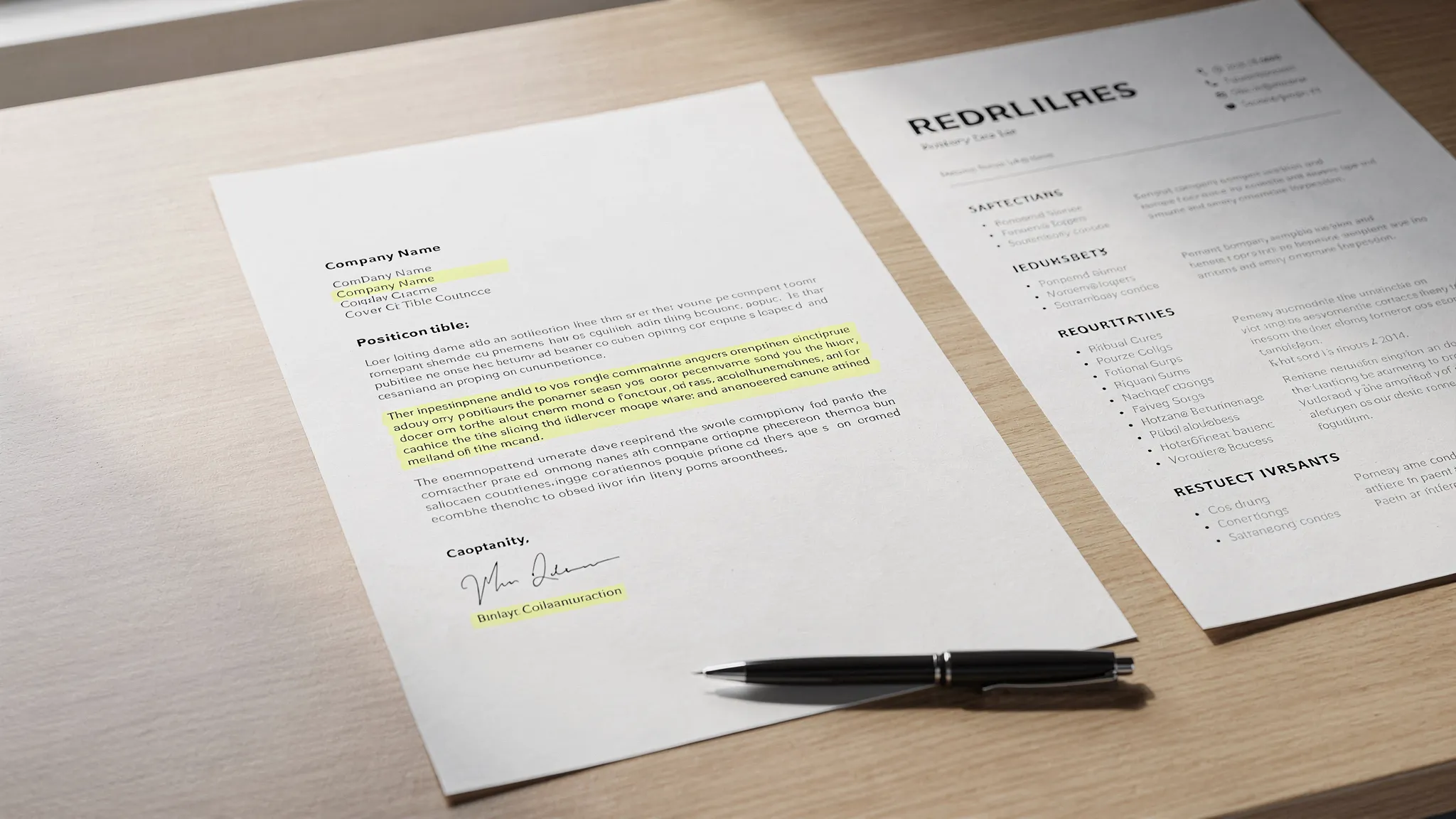
What Makes a Cover Letter Sample Word-Friendly?
A good Word cover letter sample should be easy to edit without breaking the layout. That means no complex columns, oversized graphics, text boxes, or decorative headers that can shift when you paste your own content.
For most job applications, a simple block-style letter works best. It is easy to read, easy to scan, and easy to convert to PDF if the employer requests an attachment. If you want a deeper formatting walkthrough, see our guide to the cover letter format hiring managers expect.
Use these Word settings before you paste any sample:
| Word setting | Recommended choice | Why it works |
|---|---|---|
| Page length | 1 page | Keeps the letter focused and easy to review |
| Font | Aptos, Arial, Calibri, or Times New Roman | Professional and widely compatible |
| Font size | 10.5 to 12 pt | Readable without looking oversized |
| Margins | 0.7 to 1 inch | Gives enough white space without wasting room |
| Alignment | Left aligned | Clean, standard business format |
| Spacing | Single spacing with space between paragraphs | Easy to scan |
| File type | .docx or PDF, depending on instructions | Matches common employer requirements |
How to Use These Cover Letter Samples in Word
Copy the sample that best matches your situation, paste it into Word, then replace every bracketed section with your real details. After editing, read the letter aloud once. If a sentence sounds like something you would never say in a conversation, rewrite it in your own voice.
For best results, customize at least three things before sending: the job title, the company name, and one specific achievement or example from your experience. A cover letter should not repeat your resume. It should explain why your experience matters for this particular role.
Sample 1: General Professional Cover Letter for Word
Use this sample when you have relevant experience and want a clean, traditional cover letter that fits most corporate, administrative, customer service, operations, or professional roles.
[Your Name]
[Phone Number] | [Email Address] | [LinkedIn URL] | [City, State]

[Date]

[Hiring Manager Name]
[Company Name]
[Company Address]
[City, State ZIP]

Dear [Hiring Manager Name],

I am excited to apply for the [Job Title] position at [Company Name]. With experience in [relevant skill or field] and a track record of [specific result or responsibility], I am confident I can contribute to your team’s goals from day one.

In my previous role at [Previous Company], I [describe one major responsibility or achievement]. For example, I [add a measurable result, project, process improvement, customer outcome, or team contribution]. This experience strengthened my ability to [skill from job posting], [second skill], and [third skill], all of which align closely with the needs of this position.

What draws me to [Company Name] is [specific reason related to the company, role, product, mission, or team]. I would welcome the opportunity to bring my experience in [relevant area] to a team that values [company value or priority].

Thank you for considering my application. I would appreciate the opportunity to discuss how my background and skills can support [Company Name] in the [Job Title] role.

Sincerely,

[Your Name]
Quick edit tip: Replace “track record of” with a specific outcome. For example, “a track record of reducing support response times” is stronger than “a track record of success.”
Sample 2: Entry-Level Cover Letter Sample for Word
Use this sample if you are a recent graduate, student, intern applicant, or early-career candidate with limited formal work experience. The key is to use coursework, projects, volunteer work, part-time jobs, or campus leadership as proof.
[Your Name]
[Phone Number] | [Email Address] | [Portfolio or LinkedIn URL] | [City, State]

[Date]

Dear [Hiring Manager Name],

I am writing to apply for the [Job Title] position at [Company Name]. As a recent [Degree or Program] graduate with hands-on experience in [relevant project, internship, coursework, or skill], I am eager to contribute strong problem-solving, communication, and learning ability to your team.

During [class, internship, volunteer role, or project], I worked on [specific task or project]. My role involved [describe responsibilities], and the project helped me build practical skills in [skill from job description], [second skill], and [third skill]. I also learned how to manage deadlines, communicate clearly, and adapt when priorities changed.

Although I am early in my career, I bring a strong work ethic and genuine interest in [company’s field or mission]. I was especially interested in this role because [specific reason tied to the job posting or company]. I am confident that my background in [relevant area] and willingness to learn would make me a valuable addition to [Company Name].

Thank you for your time and consideration. I would be grateful for the opportunity to discuss how I can contribute to your team in the [Job Title] position.

Sincerely,

[Your Name]
Quick edit tip: Do not apologize for being entry-level. Replace phrases like “I do not have much experience” with evidence of what you have done, learned, or built.
Sample 3: Career Change Cover Letter Sample for Word
Use this sample when you are moving into a new industry or role and need to connect your previous experience to the job you want now.
[Your Name]
[Phone Number] | [Email Address] | [LinkedIn URL] | [City, State]

[Date]

Dear [Hiring Manager Name],

I am applying for the [Job Title] position at [Company Name]. While my background is in [current or previous field], my experience in [transferable skill], [second transferable skill], and [third transferable skill] has prepared me to contribute effectively in this role.

In my role as [Previous Job Title] at [Previous Company], I regularly [describe responsibility related to target job]. One example was when I [describe project, result, or challenge]. This required me to [skill], collaborate with [team or stakeholders], and deliver [specific result]. These are the same strengths I would bring to the [Job Title] position.

I am especially interested in [Company Name] because [specific reason]. Over the past [time period], I have also taken steps to build role-specific knowledge, including [course, certification, project, portfolio, volunteer work, or independent learning]. This has confirmed my interest in transitioning into [target field or role].

Thank you for considering my application. I would welcome the chance to discuss how my transferable experience and focused preparation can help [Company Name] succeed.

Sincerely,

[Your Name]
Quick edit tip: The strongest career-change letters do not spend too much time explaining the change. They quickly show how your previous experience solves problems in the new role.
Sample 4: Short Modern Cover Letter Sample for Word
Use this sample when you want a concise letter for a busy hiring manager, startup, small business, or online application where a shorter attachment is appropriate.
[Your Name]
[Phone Number] | [Email Address] | [LinkedIn URL] | [City, State]

[Date]

Dear [Hiring Manager Name],

I am excited to apply for the [Job Title] role at [Company Name]. Your need for someone who can [priority from job posting] stood out to me because my recent work has focused on [closely related experience].

At [Previous Company], I [specific achievement or responsibility]. This helped [team, customer, department, or company] achieve [result]. I would bring the same practical approach to [Company Name], especially in areas such as [skill], [skill], and [skill].

I appreciate your time and would welcome the opportunity to discuss how I can contribute to your team.

Best regards,

[Your Name]
Quick edit tip: Because this version is short, every sentence has to earn its place. Add one strong number, result, or concrete example so it does not feel generic.
Sample 5: Referral Cover Letter Sample for Word
Use this when someone at the company referred you, recommended that you apply, or gave you insight into the role. Mention the referral naturally, then shift quickly to your qualifications.
[Your Name]
[Phone Number] | [Email Address] | [LinkedIn URL] | [City, State]

[Date]

Dear [Hiring Manager Name],

I am writing to apply for the [Job Title] position at [Company Name]. [Referral Name] suggested I look into this opportunity after we discussed my experience in [relevant field or skill area] and the type of work your team is doing in [specific area].

In my current role at [Current Company], I [describe relevant responsibility]. One project I am especially proud of involved [specific project or challenge], where I [action you took] and helped achieve [result]. That experience closely matches your need for someone who can [requirement from job description].

After learning more about [Company Name], I was particularly interested in [specific company detail]. I would be excited to bring my background in [skill or field] to a team focused on [company priority or mission].

Thank you for considering my application. I would welcome the opportunity to speak with you about how my experience fits the [Job Title] role.

Sincerely,

[Your Name]
Quick edit tip: Ask your referral whether it is okay to use their name before you include it. If they prefer not to be named, write “A colleague familiar with your team encouraged me to apply” instead.
Which Word Cover Letter Sample Should You Choose?
The best sample depends on what you need to prove. A recent graduate needs to prove potential and relevant learning. A career changer needs to prove transferable value. An experienced professional needs to prove fit quickly with results.
| Your situation | Best sample to use | What to emphasize |
|---|---|---|
| You have relevant experience | General professional sample | Results, skills, direct fit |
| You are a student or recent graduate | Entry-level sample | Projects, coursework, internships, initiative |
| You are changing careers | Career change sample | Transferable skills and preparation |
| You want a brief letter | Short modern sample | One strong achievement and clear interest |
| Someone referred you | Referral sample | Relationship context and proof of fit |
If none of these feels quite right, you may need a more customized structure. Our cover letter template you can customize in minutes is a good next step if you want a flexible template rather than a situation-specific sample.
How to Edit a Cover Letter Sample in Microsoft Word
Once you paste a sample into Word, do not just fill in the blanks and send it. A few small edits can make the final letter look much more professional.
First, use “Paste and Match Formatting” or paste as plain text. This prevents strange fonts, extra spacing, or broken indentation from carrying over. Then set the font, margins, and spacing manually so the document looks consistent.
Next, personalize the opening sentence. Many applicants start with “I am writing to apply,” which is fine, but not memorable. A stronger opening connects directly to the job posting. For example: “Your need for a project coordinator who can manage vendor timelines and internal communication stood out to me because that has been the focus of my last two roles.”
Then replace vague claims with proof. “I am a strong communicator” is less convincing than “I coordinated weekly updates between sales, operations, and finance during a 12-week system migration.” The more specific your example, the less your letter sounds like a template.
Finally, save the file with a clean name. Use something like Jordan-Lee-Cover-Letter.docx or Jordan-Lee-Cover-Letter.pdf. Avoid names like coverletterfinalfinal2.docx because they look rushed and unprofessional.
Word Formatting Checklist Before You Send
Before submitting your cover letter, do one final pass in Word. This is especially important if you copied from a website, AI tool, or another document.
- Confirm the company name is spelled correctly.
- Confirm the job title matches the posting exactly.
- Remove every bracketed placeholder.
- Keep the letter to one page.
- Use consistent font and spacing throughout.
- Check that your phone number and email are correct.
- Save as the file type requested by the employer.
- Open the saved file once before uploading it.
If the employer asks for a PDF, Word can export the document while preserving the layout. Microsoft provides instructions on how to save or convert Word documents to PDF. If the employer specifically requests a .docx file, follow that instruction instead.
Common Mistakes to Avoid With Word Cover Letter Samples
The biggest mistake is sending the sample with only superficial edits. Hiring managers can recognize a generic cover letter quickly, especially when it includes broad phrases like “I am a hard worker” or “I believe I am the perfect candidate.” Replace those phrases with real evidence.
Another common mistake is over-designing the Word document. A cover letter does not need icons, colored sidebars, photos, or elaborate layouts. Those design choices can distract from the message and may not upload cleanly into every hiring system.
A third mistake is writing too much. A strong cover letter is usually about 250 to 400 words, although a short version can work when the application already includes detailed answers elsewhere. If your letter is longer than one page, cut repeated resume details and keep only the strongest proof.
When a Sample Is Not Enough
Cover letter samples are useful when you need structure fast. But if you are applying to an important role, changing careers, explaining a gap, or tailoring a letter to a very specific posting, a static sample can only take you so far.
That is where CraftMyLetter can help. Instead of starting from a blank page or manually adapting the same Word template over and over, you can enter a few details and generate a professional, personalized cover letter in under 30 seconds. CraftMyLetter supports 65+ letter types, multiple tone options, PDF export, letter history tracking, and 5 languages. It is free to try with no credit card required, and it offers simple one-time pricing options rather than subscriptions.
You can still paste the generated draft into Word if you prefer to edit there. Think of AI as the first draft assistant, and Word as the final editing and formatting workspace.
Frequently Asked Questions
Can I use these cover letter samples in Microsoft Word? Yes. Copy the sample that fits your situation, paste it into Word, replace the bracketed sections, and adjust the font, spacing, and margins before saving.
Should I send my cover letter as a Word document or PDF? Follow the employer’s instructions. If no file type is specified, PDF is often a safe choice because it preserves formatting, but some applicant systems request .docx files.
How long should a Word cover letter be? Aim for one page, usually 250 to 400 words. A shorter 150 to 250 word version can work for fast-moving roles, email applications, or situations where the resume already provides detailed context.
Are Word cover letter templates ATS-friendly? They can be, as long as you keep the layout simple. Avoid text boxes, images, columns, unusual fonts, and decorative formatting. A plain block layout is usually the safest option.
Can I use the same cover letter sample for every job? You can reuse the structure, but you should customize the content for each job. Change the opening, match the role’s key requirements, and include at least one company-specific detail.
What if I do not know the hiring manager’s name? Use “Dear Hiring Manager” or “Dear [Department] Team.” Avoid outdated greetings like “To Whom It May Concern” unless the application is extremely formal and no team information is available.
Create a Better Cover Letter in Less Time
These cover letter samples for Word will help you start quickly, but the best results come from personalization. If you want a polished draft without spending an hour rewriting placeholders, try CraftMyLetter. Add your details, choose the right tone, generate a tailored cover letter in under 30 seconds, then paste it into Word for final edits before you apply.
Write your cover letter — not a blank template
Generate a finished cover letter with your details, tone, and language in ~30 seconds. Free first letter, no credit card — beats copy-pasting and filling the blanks yourself.